
Software
Teachers juggling lesson plans, parent communications, and student engagement need tools that simplify collaboration. Microsoft Teams offers powerful features designed specifically for educators to transform classroom workflows and enhance learning experiences—discover how it can revolutionize your teaching.
Seamless classroom communication hub
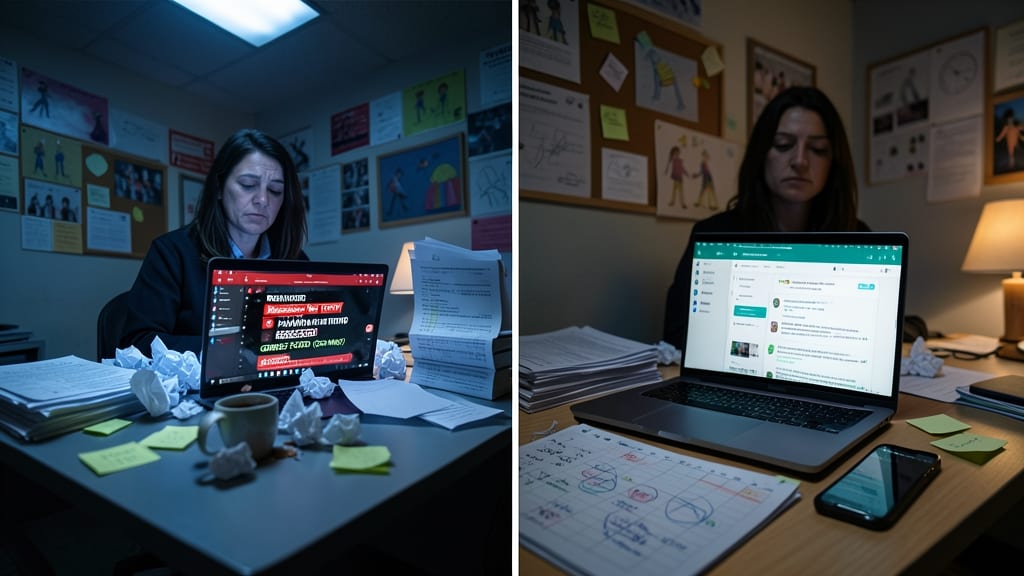
Drowning in a sea of emails, missed announcements, and forgotten deadlines? Microsoft Teams’ Classroom Communication Hub transforms chaos into clarity by consolidating every classroom update—announcements, messages, and reminders—into one secure, organized space students can’t ignore.
With dedicated class channels, you can pin important dates (like project deadlines or field trips) at the top of the screen, ensuring visibility. The @mentions feature lets you tag specific students for follow-ups, while threaded discussions keep conversations tidy. Best of all, automated notifications ensure students get alerts for new assignments or updates—no more “I didn’t see it in my email” excuses. The platform also integrates with Microsoft To Do, so deadlines sync seamlessly with students’ personal planners.
This is the ultimate solution for busy high school teachers juggling multiple classes or substitute teachers who need quick, reliable communication. No more chasing students down—just clear, centralized updates that keep everyone on the same page. ⚡
Interactive class notebook integration
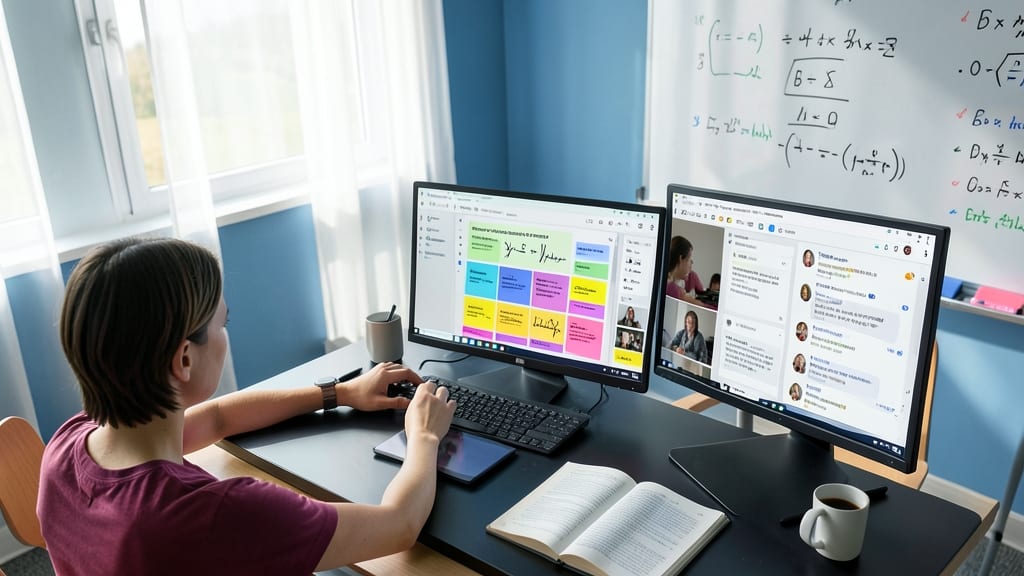
Turn traditional lesson plans into dynamic, interactive experiences with Microsoft Teams’ OneNote integration, where your digital notebook becomes the heart of real-time classroom collaboration. This isn’t just another static PDF—it’s a living document where you can annotate lessons in real time, embed videos directly into your notes, and even track student progress through integrated tools.
The magic happens with OneNote’s inking tools, letting you sketch diagrams or highlight key concepts during live sessions while students follow along. Embed YouTube videos, PowerPoint presentations, or even PDFs without leaving the notebook, and use the student collaboration feature to let learners add their own notes or questions directly to shared pages. For hybrid classrooms, the @mentions feature ensures no student gets left behind—tag individuals for follow-ups or group discussions seamlessly.
This tool is a game-changer for STEM teachers needing visual explanations or language arts instructors embedding multimedia resources. Whether you’re teaching in-person, hybrid, or fully remote, your lessons stay engaging, organized, and interactive—all without switching apps. ✨
Effortless assignment management system

Tired of drowning in paper stacks and chasing down missing assignments? Microsoft Teams’ built-in assignment tools transform grading from a chore into a streamlined process, with features designed to save educators hours every week.
Create, distribute, and collect assignments directly in Teams—students submit work in one click, while teachers access a centralized dashboard tracking progress, deadlines, and late submissions. The integration with Microsoft Forms lets you set up automated quizzes with instant grading, and the feedback tool lets you annotate documents or leave voice notes without leaving the platform. Plus, rubrics and grade scales ensure consistency across classes.
This system is a game-changer for high-school teachers managing multiple classes or substitute teachers who need quick setup. Say goodbye to lost papers and hello to organized, efficient grading—all while keeping students accountable. ✨
Virtual classroom with breakout rooms
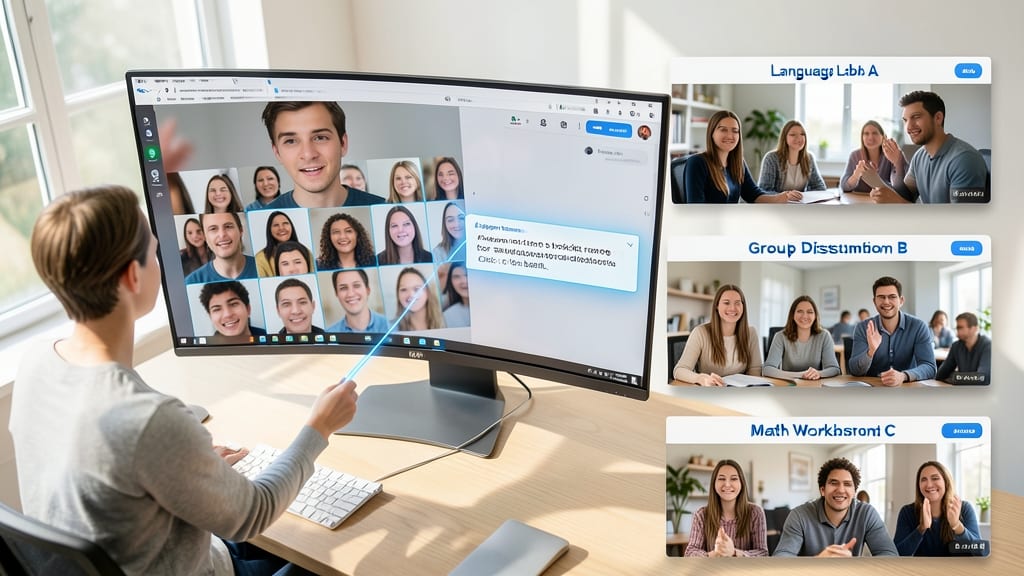
Need to facilitate both whole-class lectures and small-group discussions without juggling multiple apps? Microsoft Teams’ breakout rooms let you split your virtual classroom into up to 50 separate sessions—all within the same meeting.
With just a few clicks, you can assign students to language labs, study groups, or differentiated instruction sessions while monitoring progress from the main room. The auto-rejoin feature ensures no one gets lost, and teachers can even broadcast announcements to all rooms simultaneously. Best of all, it’s built into Teams—no extra software or logins required.
Perfect for ESL teachers, debate coaches, or STEM project groups, this tool turns passive listening into active participation—without the tech hassle. ✨
Parent-teacher collaboration portal
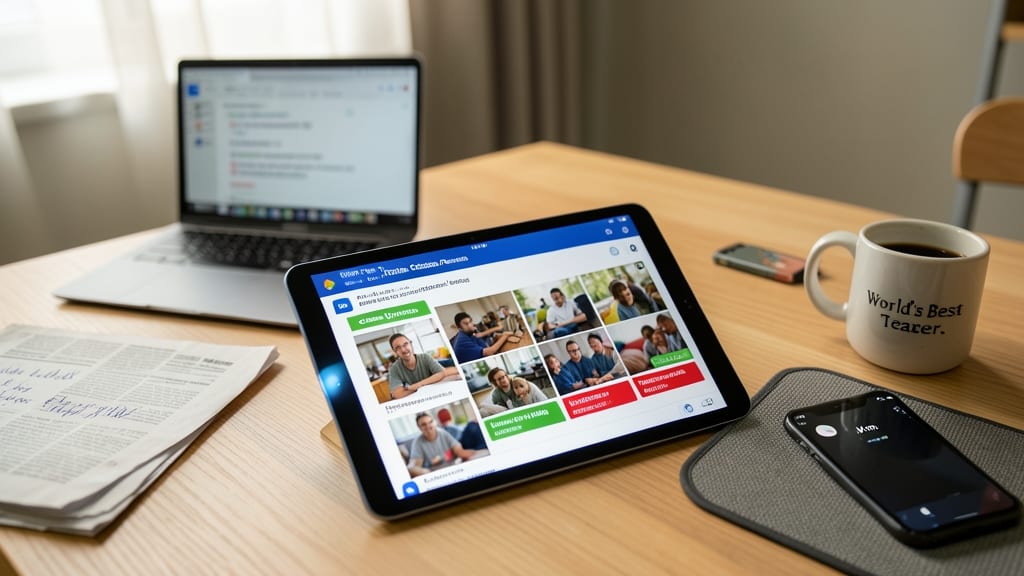
Tired of juggling phone calls, emails, and paper newsletters just to keep parents in the loop? Microsoft Teams’ Parent-Teacher Collaboration Portal creates a secure, organized hub where you can share updates, photos, and resources—all in one place.
With dedicated parent channels, you can post class announcements, field trip details, or even student work samples (with permission) while keeping conversations private. The zero-config setup integrates seamlessly with existing Teams classrooms, and parents receive instant notifications for important updates. Plus, the built-in file-sharing tools let you distribute handouts or event flyers without printing a single copy.
This feature is a game-changer for teachers managing PTO communications, volunteer coordination, or special education updates—giving parents transparency while saving you hours of manual outreach. ✨
Built-in polls and quizzes
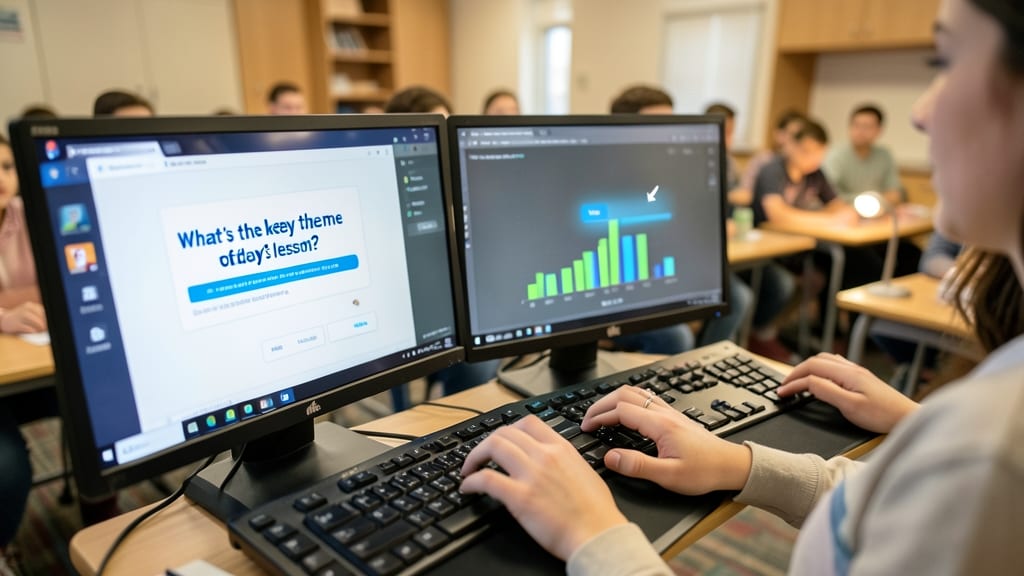
Turn passive lectures into interactive learning moments with Microsoft Teams’ built-in polls and quizzes—no extra apps required. These tools transform your screen into a real-time engagement hub, letting you gauge understanding instantly with just a few clicks.
Create live polls to spark discussions, use exit tickets to summarize key takeaways, or launch multiple-choice quizzes with instant results. The platform supports up to 100 responses per poll and integrates seamlessly with Microsoft Forms for deeper assessments. Whether you’re checking prior knowledge or wrapping up a lesson, these features keep students actively participating.
Perfect for middle and high school teachers, this tool shines in subjects like science, history, or language arts where quick feedback shapes the lesson’s direction. Try it during your next unit—your students (and your lesson flow) will thank you. ✨
Secure file sharing and storage

Tired of chasing lost USB drives or wrestling with oversized email attachments? Microsoft Teams’ cloud-based file storage eliminates those headaches by keeping lesson plans, worksheets, and student projects in one secure, centralized hub—accessible from any device.
With 10GB of free storage per user (scalable for schools), you can organize files by class or subject, set permissions to control who views or edits, and even track version history. The Microsoft Purview compliance tools ensure all files meet school IT security policies, while real-time co-authoring lets students collaborate on projects without version conflicts. No more "finalv2revised.docx" chaos!
Perfect for teachers who need seamless file access—whether grading at home, sharing resources with substitutes, or collaborating with colleagues. Your lesson plans stay safe, organized, and always at your fingertips. ✨
Integration with Office 365 tools

Tired of bouncing between apps to create, edit, and share lesson materials? Microsoft Teams eliminates that frustration by seamlessly integrating with Office 365 tools—Word, Excel, PowerPoint, and Forms—right within the platform.
You can co-author a group research project in Word, track student progress in an embedded Excel spreadsheet, or design interactive presentations in PowerPoint—all while students contribute in real time. The integration also lets you launch Microsoft Forms quizzes directly from a chat or assignment tab, making it perfect for quick checks or collaborative feedback sessions.
This feature is a game-changer for teachers running cross-curricular projects or hybrid classes, where multiple file types need constant updates. No more version control headaches or lost files! ✨
Automated attendance tracking
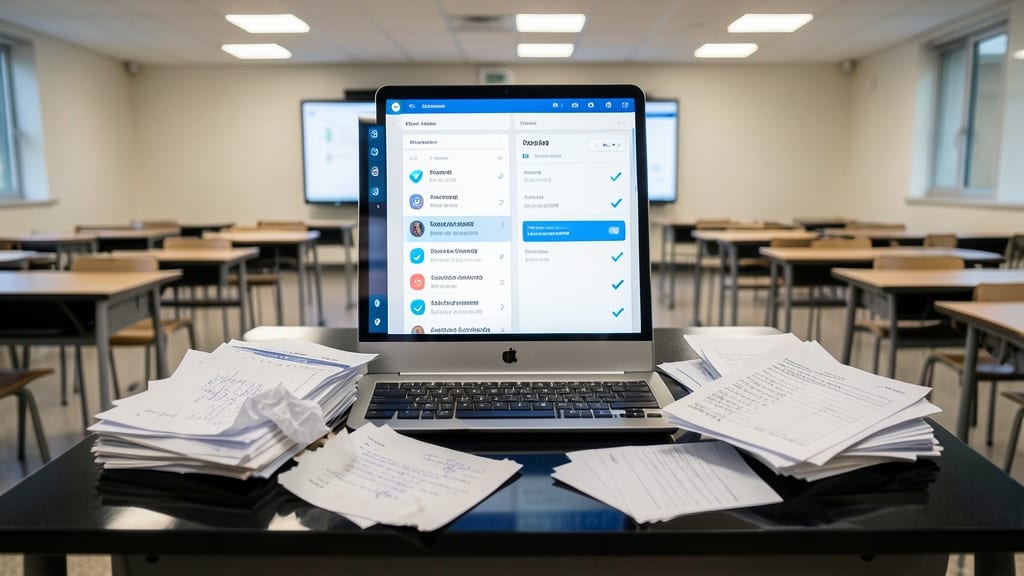
Say goodbye to stacks of paper and hello to real-time attendance tracking—Microsoft Teams simplifies the process with automated check-ins that sync directly with your school’s student information system. No more chasing down missing signatures or deciphering handwritten logs; instead, you get a clean, digital dashboard that updates instantly as students arrive.
The system generates customizable reports with just a few clicks, flagging tardies or absences automatically. You can even set up alerts for recurring issues, ensuring compliance with attendance policies without the manual effort. Integration with Microsoft Forms lets students or parents confirm attendance via a quick link, reducing administrative overhead by up to 70%.
This feature is a game-changer for teachers managing large classes or hybrid schedules, ensuring accuracy while freeing up time for what matters most—teaching. ✨
Professional development communities

Teaching isn’t a solo journey—it’s time to tap into a global network of educators right within Microsoft Teams. Dedicated Professional Development (PD) channels let you connect with colleagues worldwide, share lesson plan templates, and access best practices tailored to your grade level or subject.
Create private or public PD groups to discuss curriculum challenges, host live Q&A sessions with education experts, or share pre-made resources like rubrics or interactive whiteboard activities. The integration with Microsoft Forms and OneNote makes it easy to collaborate on professional growth plans, while the searchable file library keeps all your training materials organized.
Perfect for new teachers building their skillset or veterans seeking fresh perspectives, these communities turn loneliness into a learning opportunity. 💡