
Software
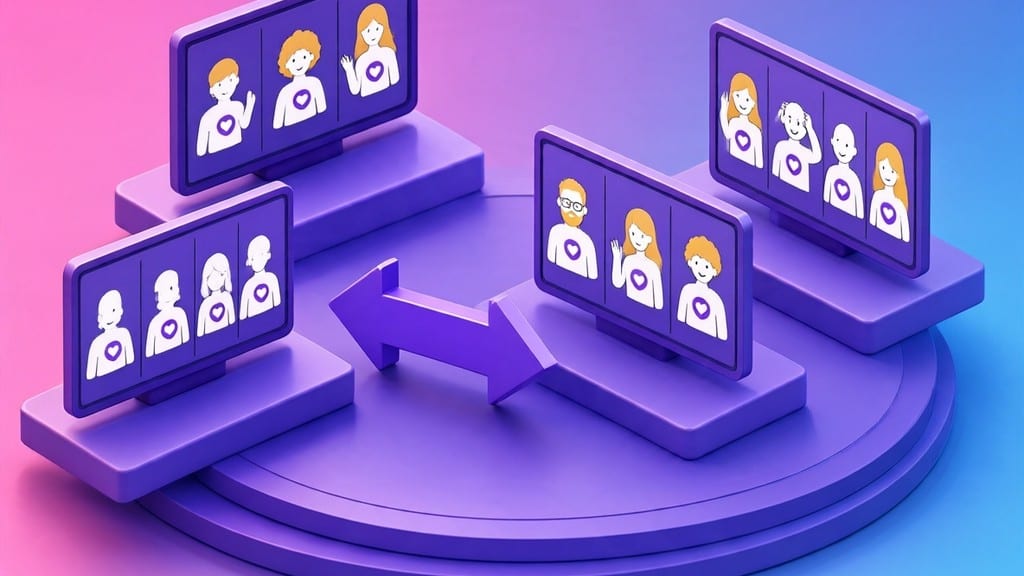
Yes, breakout rooms in Microsoft Teams let you split meeting participants into smaller groups for focused discussions, then easily reunite everyone. Available in Teams meetings for web and desktop, they require a Teams account and meeting organizer permissions to set up.
Breakout rooms in Teams transform group meetings into dynamic, interactive sessions by dividing attendees into smaller teams for targeted collaboration—perfect for brainstorming, training, or workshops. 💡 The real magic happens with the moderator controls, where you can manually adjust group sizes or let Teams auto-assign participants based on your preferences.
Plus, these rooms work seamlessly across devices, so whether your team is in the office or joining remotely, everyone stays connected without missing a beat.
What sets Teams apart is its flexibility—you can schedule breakout rooms in advance or create them spontaneously during a meeting, giving you full control over the flow. 🔧 For larger teams, the Teams Premium version unlocks even more features, like custom branding for your breakout spaces or advanced analytics to track engagement.
Even the free version covers most needs, though, making it accessible for small businesses and educators alike.
One of my favorite features is the ability to send quick messages or reminders to all breakout groups at once, ensuring everyone stays on task without the moderator having to juggle multiple conversations.
The transition back to the main room is smooth, too—just a click to reunite everyone and share insights, which keeps the momentum going. Whether you're hosting a virtual team-building session or a client workshop, breakout rooms turn passive listeners into active contributors.
💡 In This Article
- How Microsoft Teams Breakout Rooms Work
- Step-by-Step Guide to Setting Up Breakout Rooms
How Microsoft Teams breakout rooms work
Behind the scenes, Microsoft Teams breakout rooms operate using a combination of real-time communication protocols and meeting infrastructure that's built into the Teams platform.
When you create a breakout room, Teams generates a separate virtual space for each group using WebRTC (Web Real-Time Communication) technology, which handles audio, video, and screen sharing independently for each subgroup.
This means your main meeting stays active while breakout sessions run concurrently, with all participants connected through Microsoft's global data centers for low-latency communication.
The assignment process works through two main methods: automated distribution or manual selection. Automated uses an algorithm that considers factors like participant count, meeting duration, and your pre-set group sizes (ranging from 2 to 50 people per room).
Manual assignment gives you precise control—just drag participants from your attendee list into custom-named rooms.
What's fascinating is how Teams handles the transition: when you start breakout rooms, each group gets their own unique URL parameter (visible in the address bar), while the moderator retains access to all rooms through a dedicated dashboard.
Audio/video sync remains perfectly aligned across groups because Teams uses a shared clock synchronization system similar to what powers large-scale video conferencing platforms.
For moderators, the real-time control panel includes powerful tools like timed breakout sessions (set from 1 minute to 24 hours), instant messaging to all groups, and the ability to "peek" into any room without participants knowing.
The free version supports up to 30 breakout rooms per meeting, while Teams Premium users get additional features like custom room themes and analytics showing participation rates.
What most people don't realize is that breakout rooms actually run on the same infrastructure as Teams live events, meaning they can scale to handle hundreds of participants when properly configured.
Here's where the technical magic happens: when participants join their breakout rooms, Teams creates temporary session identifiers that persist only for the duration of the breakout. These IDs get automatically cleared when you reunite everyone, preventing any data leakage.
The platform also maintains separate chat histories for each breakout group, which you can review after the session ends. For educators or trainers, this creates a digital record of discussions that would otherwise be lost in traditional breakout sessions.
One common point of confusion is how audio routing works across groups. Teams uses a technique called "simulcast" where your microphone and camera streams get optimized differently for each group you're in.
This means your video quality might appear slightly different in each breakout room based on network conditions, but the system automatically adjusts to maintain smooth communication. The moderator's controls work through a separate management interface that connects to all breakout sessions via Microsoft's Azure infrastructure, ensuring commands propagate instantly.
What sets Teams apart from competitors is its integration with Microsoft 365 services. You can automatically pull participant lists from Outlook calendar invites, assign breakout rooms based on organizational charts, or even integrate with PowerPoint for live presentation sharing during breakouts.
This level of integration means breakout rooms aren't just standalone features—they're part of a cohesive collaboration ecosystem that works seamlessly with your existing workflows.
For teams working across different time zones, breakout rooms include a "time zone offset" feature that automatically adjusts meeting times based on participant locations. This ensures everyone joins at the correct local time, making global collaboration more manageable.
The system also maintains separate screen sharing capabilities for each breakout room, so presenters can share documents or applications without interfering with other groups' sessions. 💡