
Software
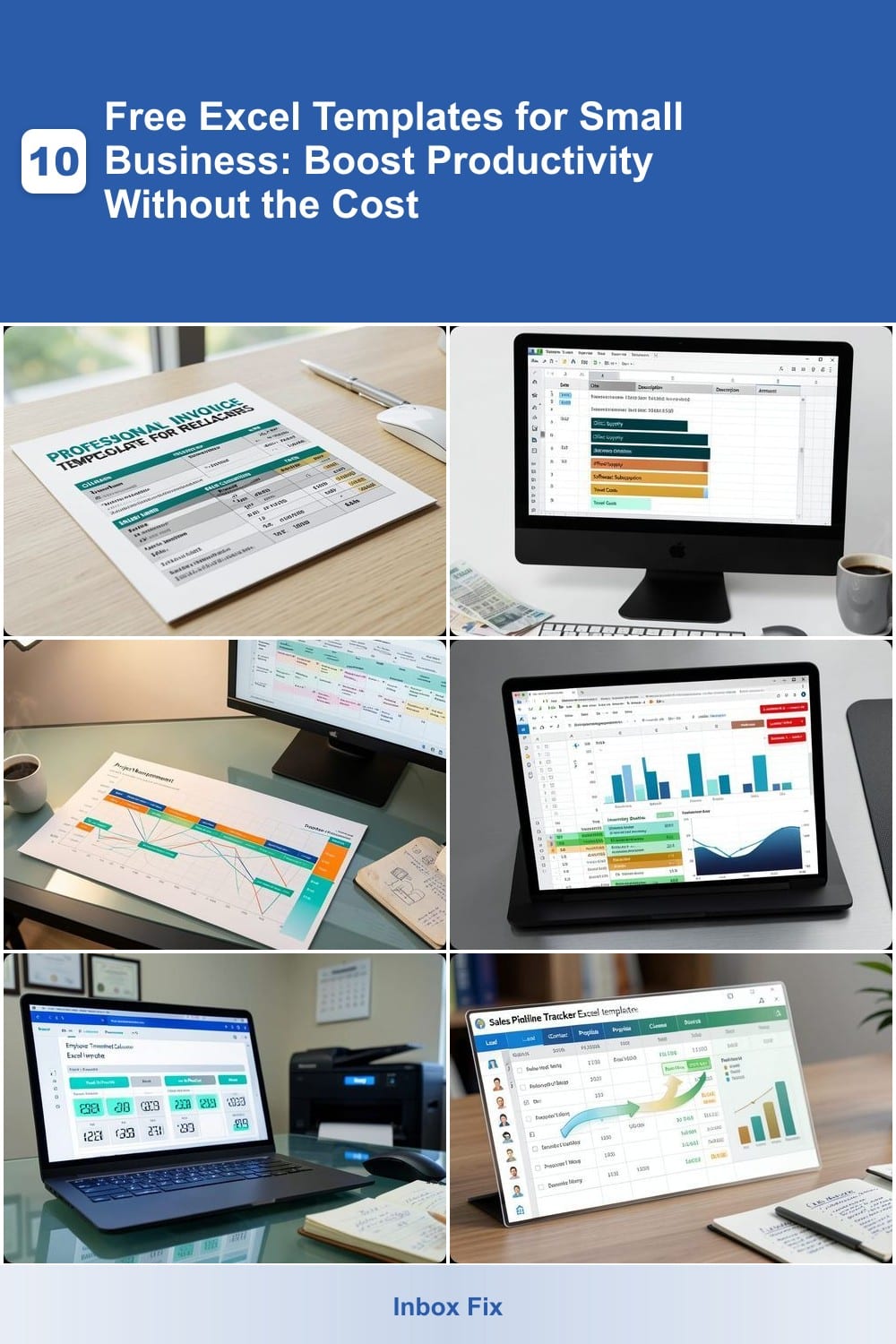
Running a small business on a budget doesn’t mean sacrificing organization or efficiency. These 10 free Excel templates—ranging from invoicing to project tracking—help streamline operations without breaking the bank, all while being compatible with Microsoft Excel and Google Sheets.
Professional Invoice Template for Freelancers
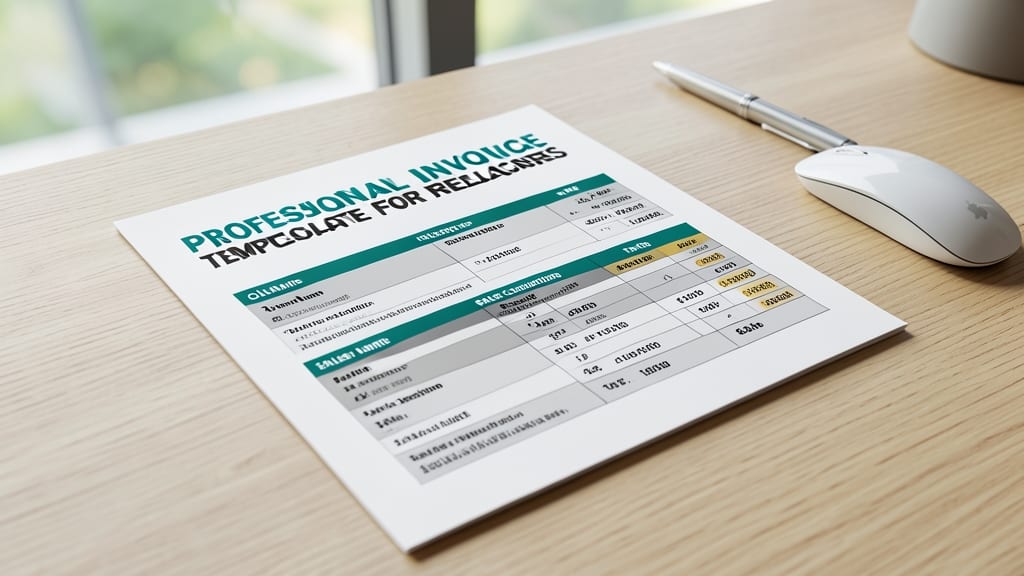
Tired of sending invoices that look like they were typed in 2005? This Professional Invoice Template for Freelancers transforms your billing into a polished, client-impressing document—without the designer’s hourly rate. It’s pre-loaded with tax-compliant fields (including sales tax calculations for U.S. states) and automated subtotal/tax/total formulas, so you never miscalculate again.
The template includes customizable line items for services or products, payment terms dropdowns, and even a notes section for client-specific instructions. Color-coded sections keep it scannable, while the sleek design ensures your invoices reflect your professionalism. Best of all, it’s 100% editable in Excel or Google Sheets—just drop in your logo and brand colors to make it your own.
Perfect for freelance designers, consultants, or service providers who want to look like a big agency while keeping costs zero. Download it once, reuse it forever—no subscription fees or hidden costs. ✨
Expense Tracker with Budget Categories
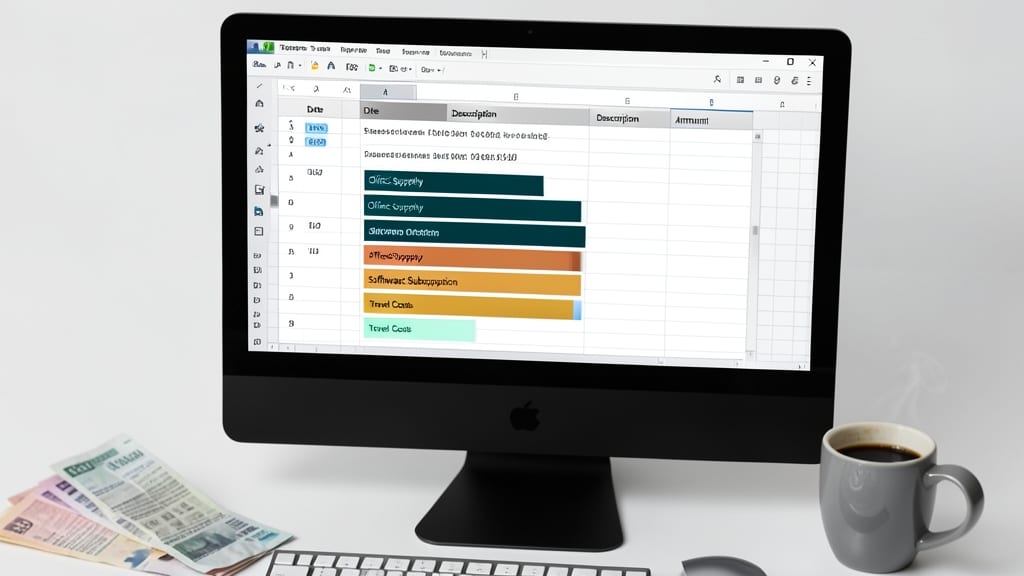
Tax season doesn’t have to be a nightmare of receipts and spreadsheets. This Expense Tracker with Budget Categories transforms financial chaos into clarity by automatically categorizing every dollar spent—whether it’s office supplies, software subscriptions, or travel costs. The template’s color-coded budget alerts instantly flag when you’re overspending in a category, while built-in pie charts and bar graphs turn raw data into visual insights for quick decision-making.
No accounting degree required—just plug in your transactions, and the template handles the rest. It even includes a dedicated tax prep section with pre-formatted columns for deductions, receipt tracking, and mileage logs, so you’ll spend less time scrambling in April and more time growing your business. The best part? It’s fully customizable, so you can tweak categories to match your startup’s unique needs.
Perfect for bootstrapped startups, freelancers, or solopreneurs who need to balance budgets without hiring an accountant. Download it today and take control of your finances—before they take control of you. 💡
Project Management Timeline Template
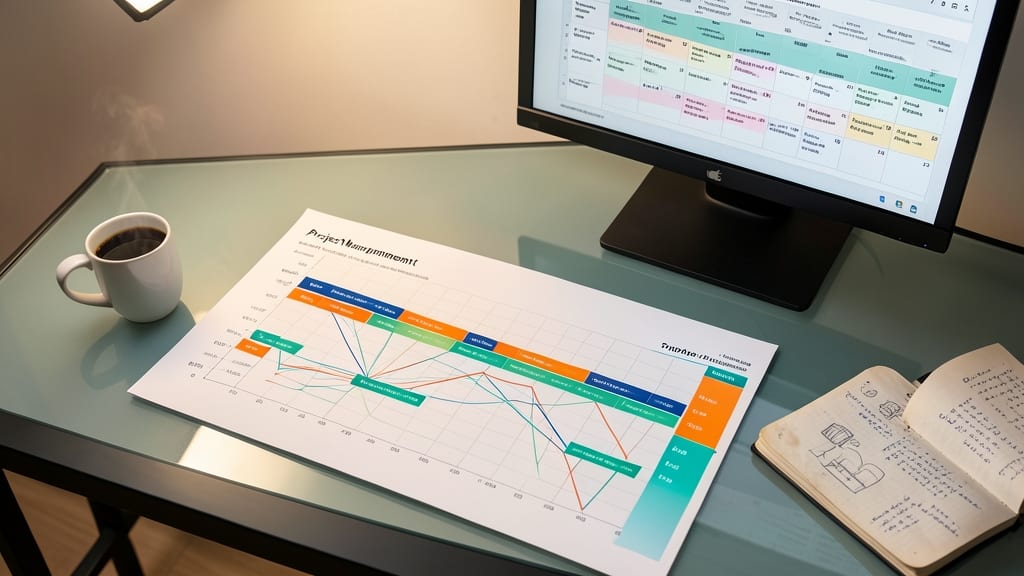
Juggling deadlines across multiple clients? The Project Management Timeline Template turns chaos into clarity with a Gantt-style chart that visualizes tasks, dependencies, and milestones in one glance.
This template includes color-coded task bars, start/end dates, and progress trackers—all customizable to fit your workflow. Assign team members (or yourself!) with dropdown menus, link tasks to show critical paths, and spot bottlenecks before they derail your schedule. Best of all, it’s 100% free and works in both Excel and Google Sheets.
Perfect for freelancers juggling multiple projects or solopreneurs managing their own timelines, this template keeps you on track without the complexity of paid software. 💪
Inventory Management Spreadsheet
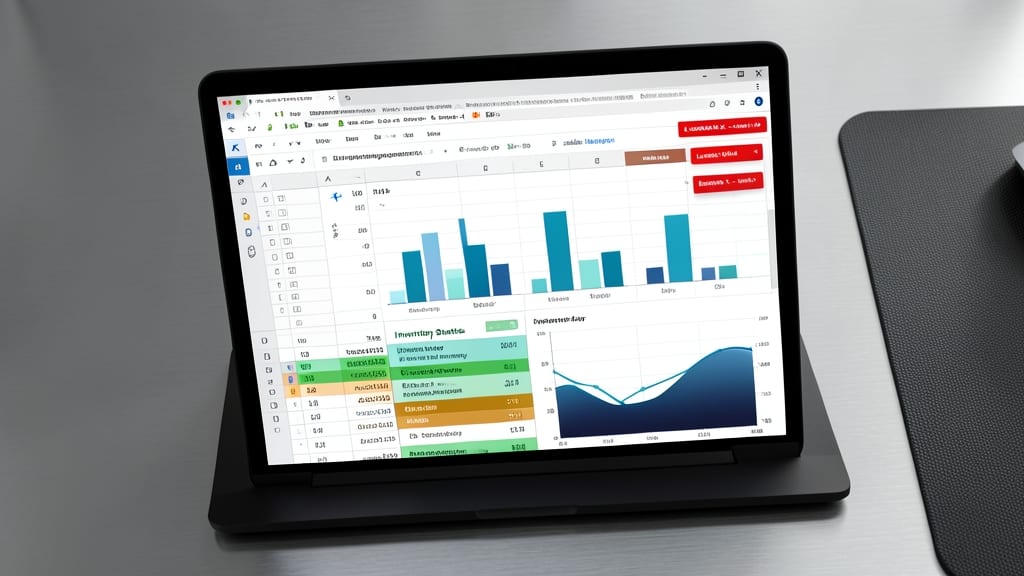
Running out of stock mid-sale—or worse, overstocking dead inventory—can sink even the most promising small business. This inventory management spreadsheet solves both problems with real-time tracking, automated low-stock alerts, and sales trend analysis built right in.
Designed for e-commerce sellers and retail shops, it includes pre-formatted columns for product names, SKUs, quantities, suppliers, and reorder points. Conditional formatting highlights items below your set threshold, while a sales velocity tracker helps predict demand spikes. The template even integrates with basic barcode scanning tools for faster data entry.
Perfect for Shopify store owners, Amazon FBA sellers, or brick-and-mortar shops managing seasonal inventory. No coding skills needed—just plug in your data and let Excel do the heavy lifting. ✨
Employee Timesheet Calculator
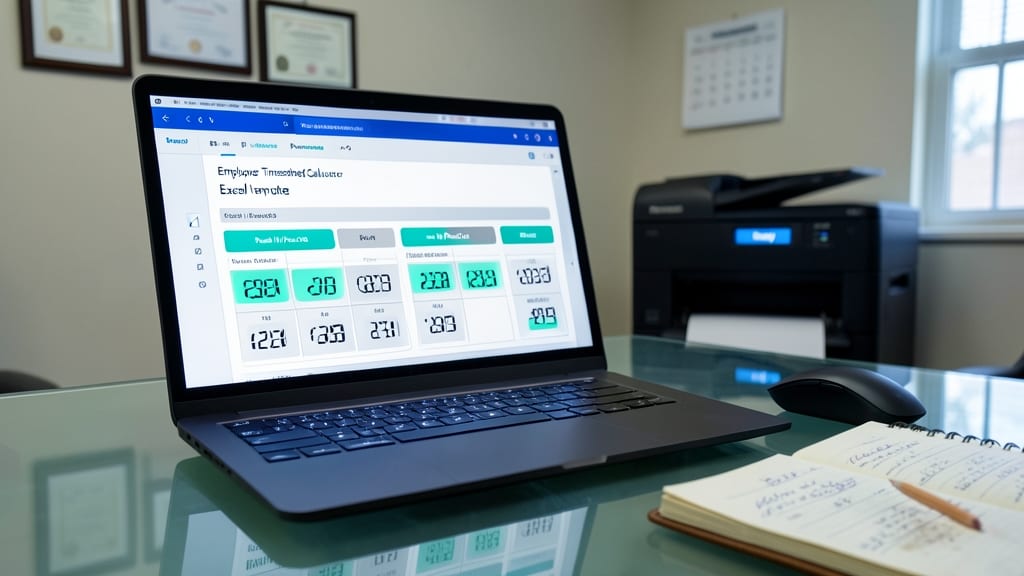
Say goodbye to manual payroll headaches with the Employee Timesheet Calculator—a game-changer for small businesses juggling hourly wages and overtime. This template automates time tracking with punch-in/punch-out fields, eliminating guesswork and reducing errors in payroll calculations.
With built-in formulas for hourly/daily totals, overtime calculations, and weekly summaries, you’ll save hours each pay period. The real kicker? It exports clean, formatted reports to QuickBooks, Xero, or other accounting software, so reconciling payroll becomes a breeze. No more spreadsheets full of manual entries or last-minute scrambles to meet payday deadlines.
Perfect for small teams, contractors, or retail businesses where labor costs are a daily concern, this template turns a tedious chore into a 5-minute task. ⚡
Sales Pipeline Tracker for CRM
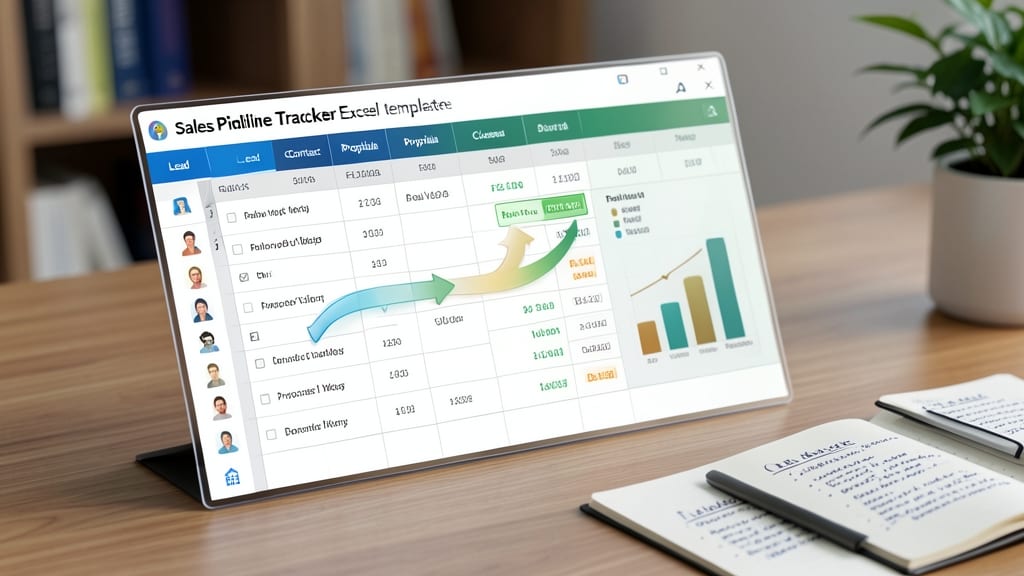
Tired of losing track of leads or guessing your next quarter’s revenue? This Sales Pipeline Tracker turns Excel into a zero-cost CRM—no complex software required. It’s designed for solopreneurs who need to log prospects, monitor follow-ups, and visualize deals moving through stages like Lead → Contact → Closed.
The template includes pre-built stages, color-coded deal values, and a revenue forecast section to project monthly earnings. You’ll also find automated progress bars to track conversion rates at a glance, plus a notes field for custom follow-up details. Best of all, it syncs seamlessly with Google Sheets for cloud access.
Perfect for freelancers, consultants, or small service businesses drowning in scattered notes and missed opportunities. Start converting Excel into your sales engine today—no credit card needed! ⚡
Break-Even Analysis Calculator
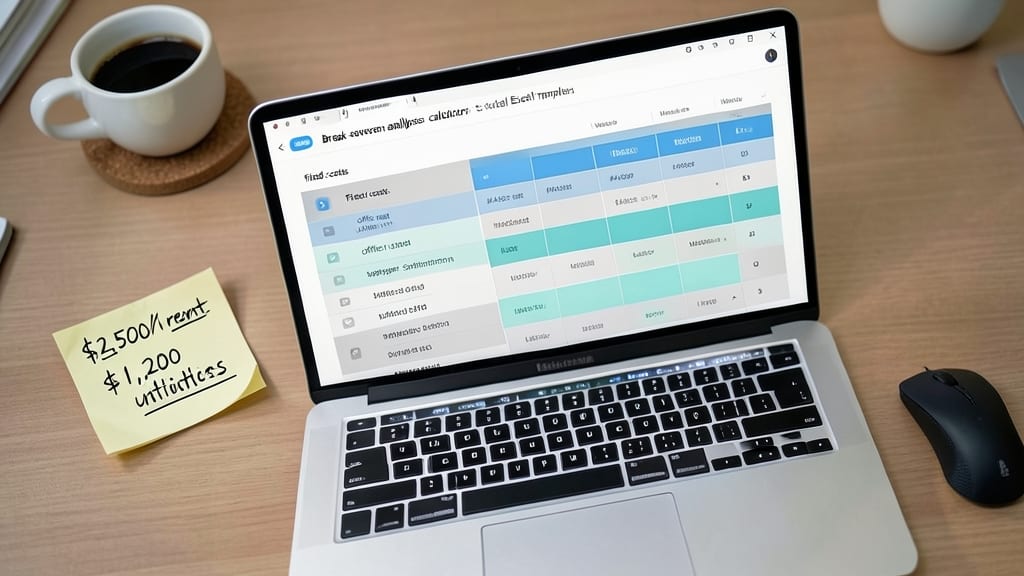
Struggling to price your products or services without guessing? A break-even analysis calculator turns financial uncertainty into clear, actionable insights—helping you set prices that ensure profitability from day one.
This template simplifies complex math by letting you input your fixed costs (rent, salaries) and variable expenses (materials, shipping) to instantly calculate the exact number of units you need to sell to cover costs. It even generates a visual break-even chart to visualize profit margins at different sales volumes, so you can confidently adjust pricing or marketing strategies. Best of all, it’s fully customizable for one-time projects or recurring revenue models.
Perfect for solopreneurs, e-commerce sellers, and service-based businesses testing new products or scaling operations. No accounting degree required—just plug in your numbers and let Excel do the rest. ✨
Client Contact Database Template
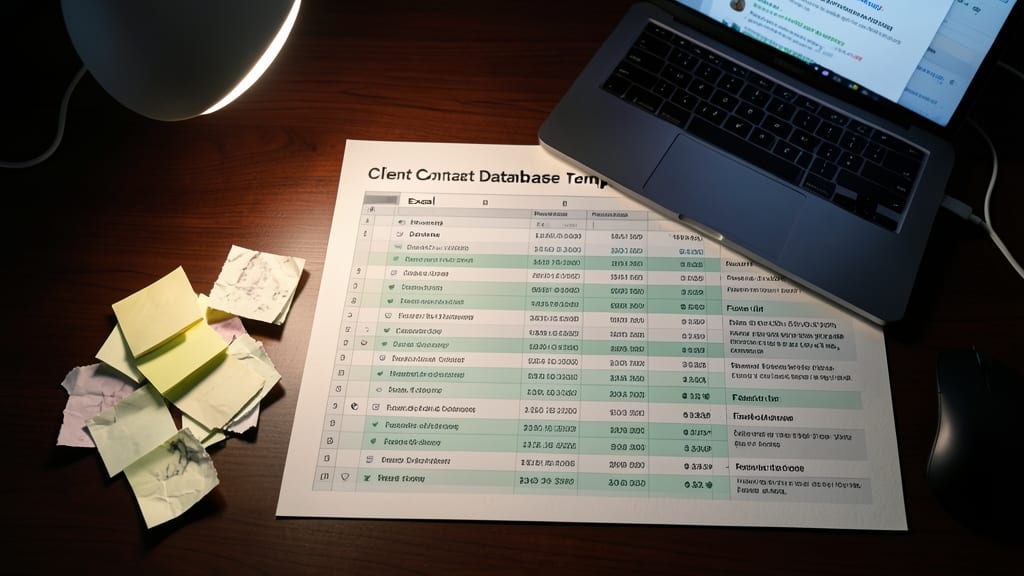
Stop juggling sticky notes and scattered emails—this Client Contact Database Template turns chaos into a searchable, organized system. Designed for service-based businesses, it combines customer profiles, purchase history, and follow-up notes in one place, so you never miss a detail again.
The template includes customizable fields for contact info, service history, and next steps, plus color-coded tags to prioritize high-value clients. Built-in sorting filters let you search by name, last interaction, or even service type—no more digging through folders. Best of all, it’s 100% editable in Excel or Google Sheets, so you can tailor it to your workflow.
Perfect for consultants, coaches, and small agencies where relationships drive revenue. Keep every client interaction in one place—so you can focus on building those relationships instead of tracking them down. ✨
Social Media Content Calendar
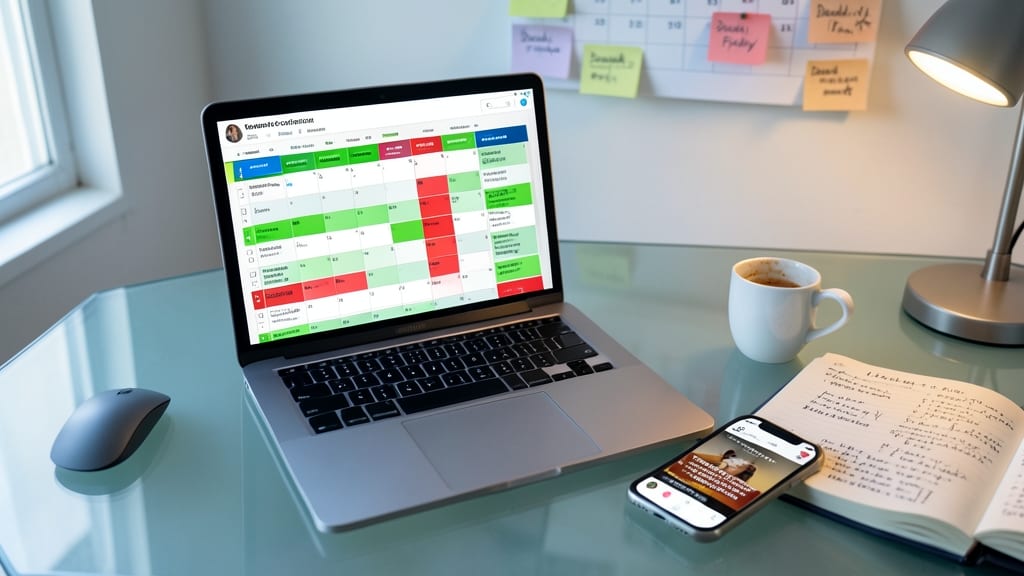
Struggling to keep up with social media deadlines while juggling a million other tasks? A social media content calendar in Excel can be your lifesaver—scheduling posts, storing captions, and tracking hashtags all in one place. This template ensures you never miss a deadline again, with built-in reminders and a clear visual layout.
You’ll find dedicated columns for platforms (Instagram, Facebook, LinkedIn), post types (promotions, stories, reels), and even hashtag suggestions to save time. The calendar includes deadline alerts to keep your content pipeline running smoothly, and it’s fully customizable to match your brand’s voice. Plus, it syncs effortlessly with your existing tools.
Small businesses handling their own marketing will love how this template eliminates last-minute scrambling and keeps your social media strategy on track. Start with a free download and watch your engagement grow! ✨
Financial Forecasting Template
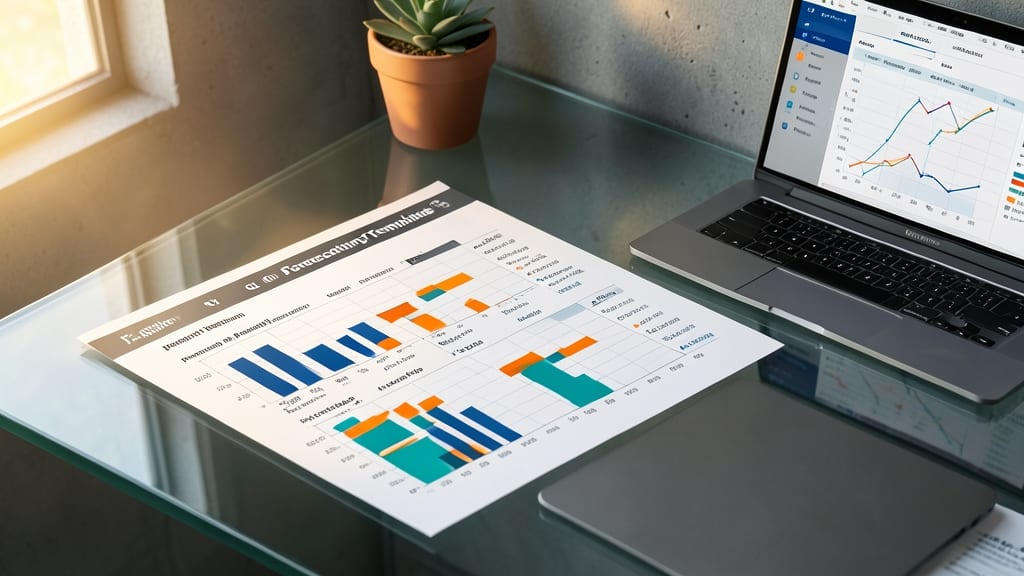
Worried about cash flow surprises? This Financial Forecasting Template projects your revenue, expenses, and cash flow for 12 months—so you can spot trends, plan for slow seasons, and secure funding before you need it.
Built with monthly and yearly breakdowns, it includes automated trend analysis and customizable assumptions (like growth rates or cost increases). The visual graphs make it easy to present to investors or lenders, while the what-if scenarios let you test different strategies—all without complex accounting software.
Perfect for startups, freelancers, or service-based businesses where cash flow is unpredictable. Start forecasting today and turn financial guesswork into data-driven decisions. 💡