
Coding
SQL Server 2012 introduced groundbreaking features that transformed database management for developers and enterprises. These ten innovations boost performance, security, and scalability—making it a pivotal release for modern data-driven applications.
Columnstore Indexes for Massive Data Compression

If your data warehouse struggles with storage costs and slow analytical queries, columnstore indexes in SQL Server 2012 could be your game-changer. This feature introduced a radical shift by storing data in columns instead of rows, enabling up to 10x compression while dramatically improving query speed for aggregations and reporting.
The magic happens through batch-mode processing, where SQL Server scans entire columns at once rather than row-by-row. For example, a 500GB table might shrink to just 50GB after compression, all while delivering 10-100x faster query performance on analytical workloads. Best of all, you can add or drop these indexes without downtime, making them ideal for mission-critical reporting systems.
This feature is a must for data analysts, BI developers, and enterprise architects managing large-scale reporting systems. If you're drowning in storage costs or query bottlenecks, columnstore indexes could transform your data infrastructure overnight. ⚡
Contained Databases for Enhanced Security

Tired of juggling server dependencies that complicate deployments? Contained Databases in SQL Server 2012 introduced a game-changer for security and portability. This feature lets you deploy entire databases as self-sufficient units—no more relying on server-level logins, configurations, or linked objects.
With contained databases, you gain true isolation between databases, reducing attack surfaces and simplifying multi-tenant cloud setups. The contained user databases feature even allows admins to manage permissions within the database itself, cutting down on server-wide configuration headaches. Compliance teams will love how this minimizes exposure to cross-database vulnerabilities.
Perfect for cloud providers, SaaS platforms, or regulated industries where security and portability are non-negotiable. This was SQL Server 2012’s answer to modern, agile database management. ✨
AlwaysOn Availability Groups
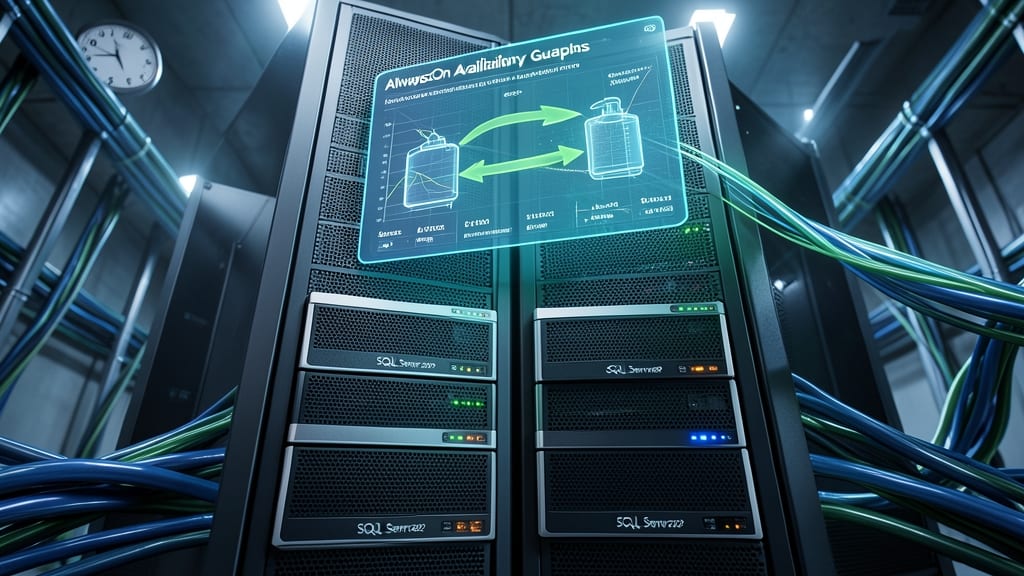
Mission-critical applications can’t afford downtime—and SQL Server 2012’s AlwaysOn Availability Groups solved that problem with synchronous data replication across multiple servers. Unlike traditional failover clustering, this feature ensures near-zero data loss by keeping secondary replicas in perfect sync with the primary database, even during network latency.
With support for up to eight secondary replicas, you get automatic failover and read-scale distribution without manual intervention. The synchronous commit protocol guarantees transactions complete on all replicas before acknowledgment, while asynchronous mode balances performance for geographically distributed deployments. Built-in health monitoring and automated failover scripts make it a set-and-forget solution for enterprise-grade reliability.
This feature is a game-changer for financial systems, healthcare databases, and e-commerce platforms where uptime directly impacts revenue. If your application can’t tolerate even seconds of downtime, AlwaysOn Availability Groups are your safety net. ✨
Window Functions for Advanced Analytics

Tired of writing convoluted subqueries just to rank or compare data? Window functions in SQL Server 2012 streamline complex analytical tasks with elegant, built-in solutions—no temporary tables required.
These functions let you perform calculations across rows within a result set (like running totals, moving averages, or percentile rankings) while preserving individual row identities. For example, ROW_NUMBER() assigns sequential numbers to rows, while SUM() OVER() calculates cumulative sums without collapsing rows. The syntax integrates seamlessly with standard SQL, cutting development time by 30-50% for financial reports or data science pipelines.
Perfect for analysts, data scientists, and developers working with large datasets—especially those who need ranking, aggregation, or time-series analysis without sacrificing readability. ✨
Sequence Objects for Auto-Generated Values

Tired of identity columns creating gaps in your sequences? SQL Server 2012 introduced sequence objects—a game-changer for auto-generated values that offers precision and flexibility beyond traditional methods.
These objects let you define gapless numbering (no more skipped values) and even create multi-column sequences for complex scenarios. You can customize increment steps, cycles, and starting points—all while maintaining thread safety. Perfect for scenarios like generating unique order IDs or timestamped logs where continuity matters.
Developers working with high-volume transaction systems or multi-table relationships will appreciate how sequences eliminate the limitations of identity columns. No more worrying about gaps or concurrency issues—just reliable, predictable values. ✨
Contained User Databases
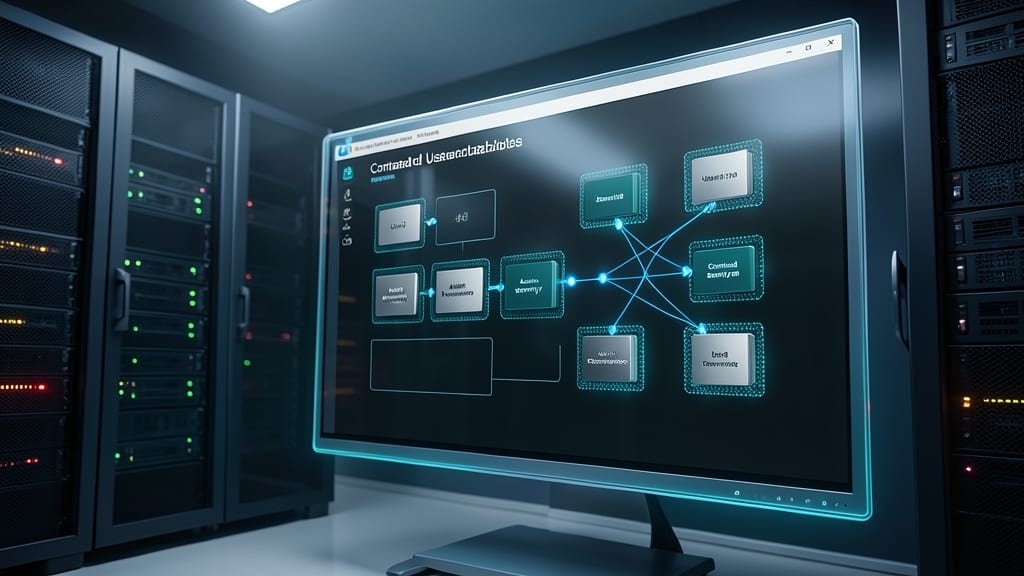
Shared servers often mean shared security risks—but contained user databases in SQL Server 2012 flipped the script. This feature let admins assign permissions at the database level instead of the server level, creating isolated security zones even in multi-tenant environments.
With contained user databases, you could grant access to specific users without exposing the entire server. This reduced attack surfaces by limiting lateral movement: a compromised database couldn’t automatically access other databases on the same instance. The USER_MAPPING feature even simplified cross-server user authentication, making it easier to manage permissions across environments.
This was a game-changer for hosting providers and enterprises with strict compliance needs. By containing permissions within databases, you gained granular control without sacrificing flexibility—ideal for SaaS platforms or regulated industries where data segregation is critical. 💻
Power View for Interactive Data Visualization
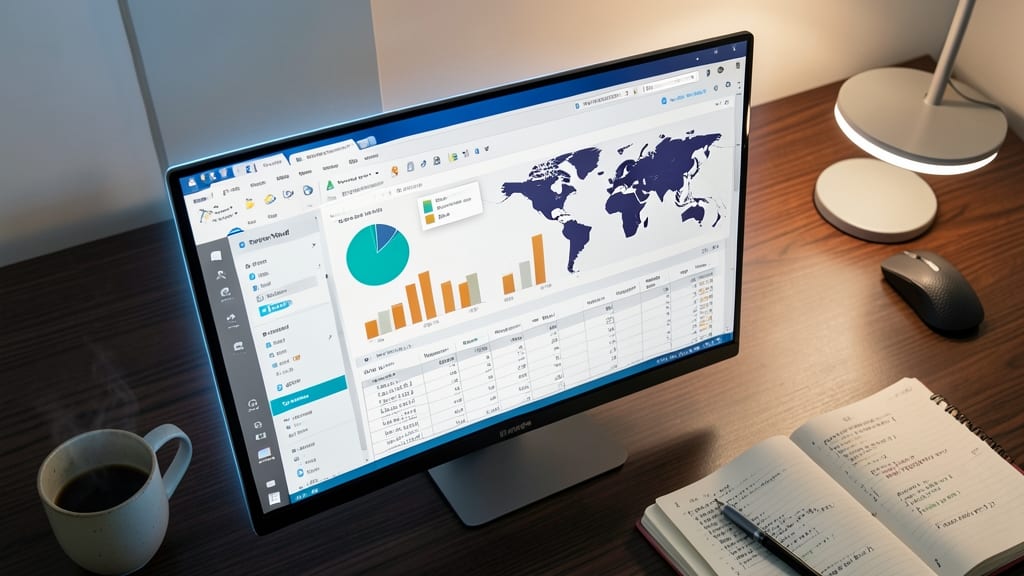
Tired of wrestling with complex BI tools that require SQL expertise? Power View in SQL Server 2012 democratized data visualization by embedding it directly into Excel 2013, turning spreadsheets into interactive dashboards with zero coding.
This self-service BI tool lets you drag-and-drop fields into 3D maps, pivot charts, and matrix visualizations—all while filtering data in real time. The integration with SharePoint and SQL Server Analysis Services ensures your visualizations stay connected to live data sources, eliminating stale reports.
Perfect for business analysts, marketers, and executives who need quick insights without IT bottlenecks, Power View turns raw data into actionable stories—no SQL queries required. ✨
FileTable for Simplified File System Integration
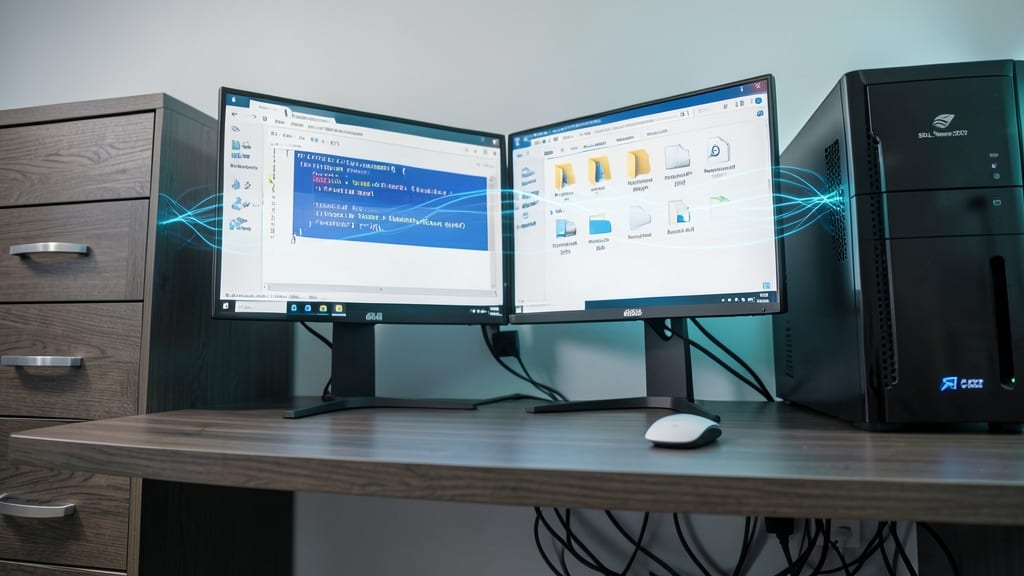
Tired of juggling file systems and databases as separate beasts? SQL Server 2012’s FileTable bridges that gap by treating files as database rows—no more manual syncing or complex ETL pipelines for document-heavy apps.
This feature lets you store files directly in SQL Server while maintaining full NTFS permissions, folder hierarchies, and metadata (like creation dates). Need to query documents by content and metadata? FileTable handles it with T-SQL—no third-party tools required. It’s perfect for legal case management systems or media libraries where files and relational data must live together.
Developers building document management systems will love how FileTable cuts deployment time in half by eliminating file-system/database synchronization layers. Just point your app to a FileTable and treat files like any other database record. ✨
SQL Server Data Tools for Unified Development

Tired of juggling multiple tools for database development? SQL Server Data Tools (SSDT) unified everything into one powerful Visual Studio-based IDE, eliminating the chaos of separate schema editors, debuggers, and version control clients.
With schema comparison tools that highlight differences in seconds, built-in unit testing frameworks, and deep source control integration (TFS, Git, SVN), SSDT turned database development into a seamless workflow. The database project model even lets you deploy changes with confidence, knowing your scripts will execute exactly as written across environments. ⚡
This was a game-changer for development teams managing complex database schemas, especially those using Agile methodologies where rapid iteration and reliable deployments are critical. 💻
Contained Database Backup and Restore

Tired of backup processes tied to specific server configurations? SQL Server 2012’s contained database backup and restore feature eliminates that frustration by letting you back up and restore databases without server-level dependencies. This means you can move databases between environments—like dev, test, and production—without worrying about logins or linked server configurations.
The feature supports full, differential, and transaction log backups while maintaining compatibility with contained databases. You can even restore backups to a different SQL Server instance running the same version, simplifying disaster recovery and cross-environment deployments. The BACKUP DATABASE and RESTORE DATABASE commands now include the CONTAINMENT option, ensuring portability stays intact.
This is a game-changer for DevOps teams and enterprise admins managing multi-environment deployments. No more manual login mappings or complex restore scripts—just seamless portability. ✨