
Software
Working with date and time values across different systems can be frustrating when formats aren't standardized. These 10 globally recognized formats ensure seamless compatibility between software, databases, and international applications, saving you time and avoiding errors.
ISO 8601 Standard Date Format
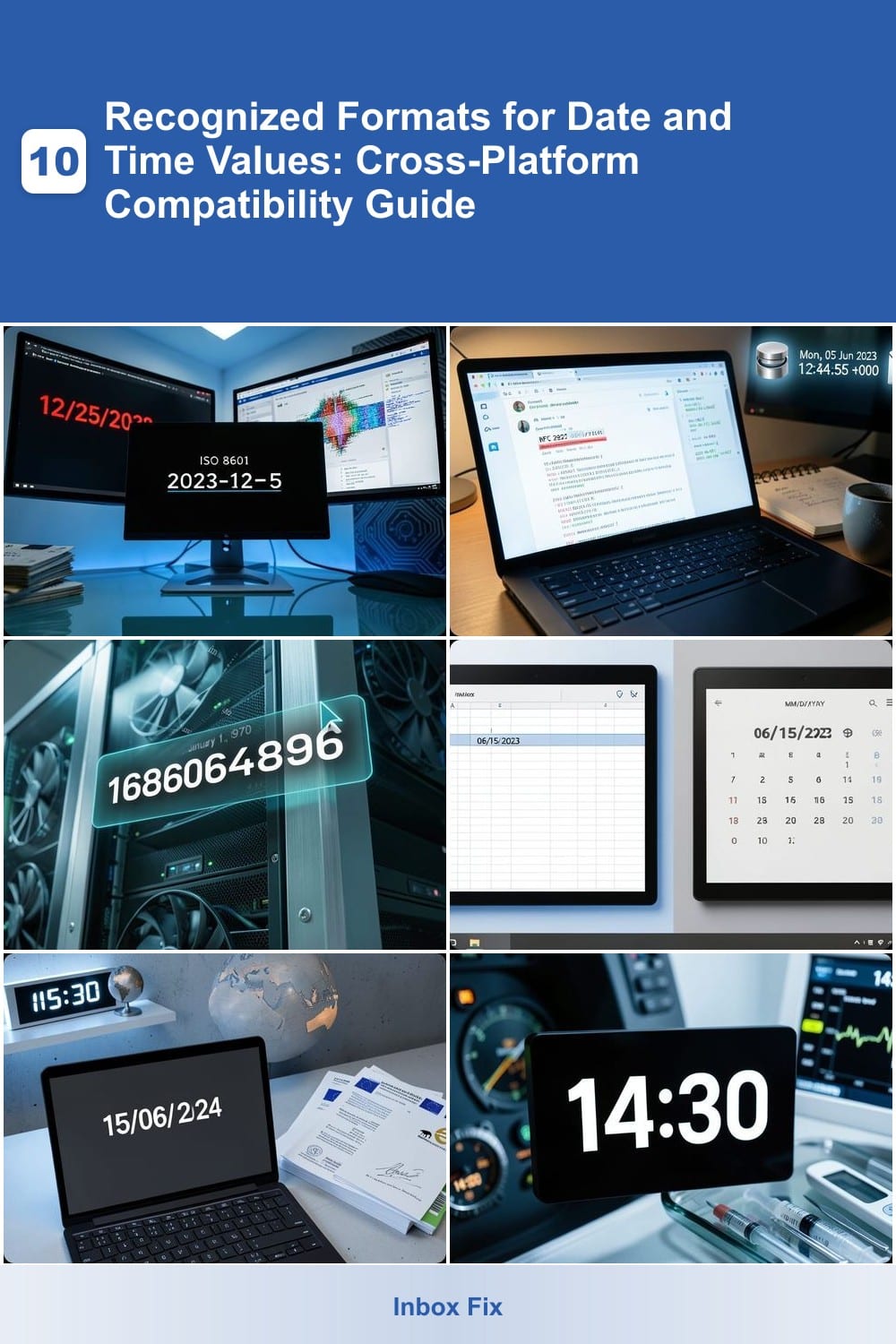
If you’ve ever struggled with dates breaking across systems—think a European database rejecting your US-formatted input—ISO 8601 is the universal fix. This standardized format (YYYY-MM-DD) eliminates ambiguity by always placing the year first, ensuring machines (and humans) interpret "2023-12-25" as December 25, 2023, no matter the locale.
Widely adopted in MySQL, PostgreSQL, JavaScript (ISOString), and Python (ISO format), it’s the default for APIs, logs, and international applications. Time components (e.g., HH:MM:SS±HH:MM) include timezone offsets, while extensions like ISO 8601 durations (e.g., P1Y2M10DT3H5M) handle date arithmetic natively. Libraries like moment.js and Python’s datetime.isoformat() make it effortless to generate or parse.
Developers building global systems, data engineers processing logs, or anyone tired of locale-based parsing headaches will find ISO 8601 the safest bet—backed by decades of industry adoption. ✨
RFC 2822 Email Date Format
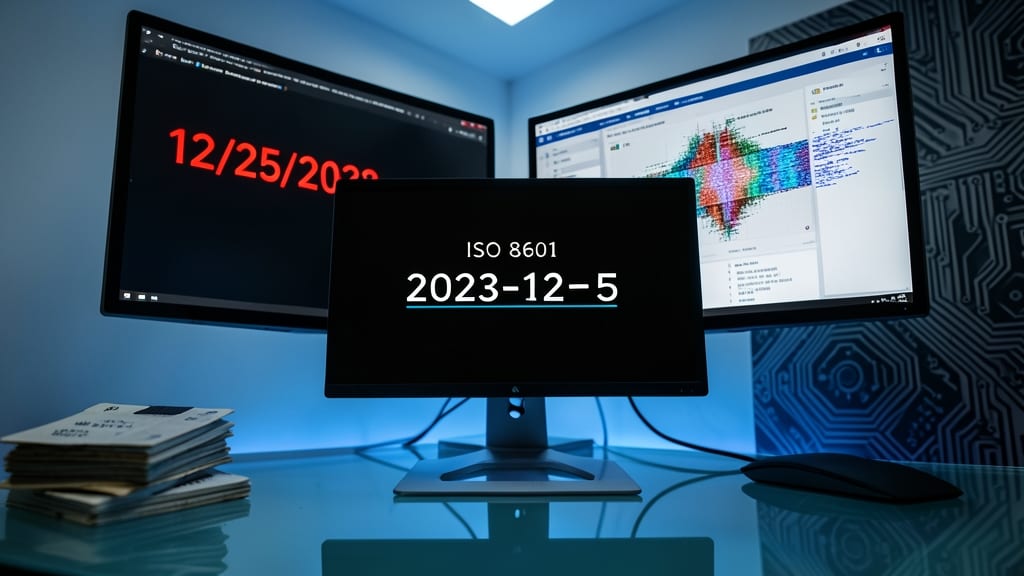
Ever sent an email only to realize the timestamp got mangled in transit? The RFC 2822 Email Date Format (e.g., "Mon, 05 Jun 2023 12:34:56 +0000") is the invisible glue that keeps your messages readable across SMTP servers, Outlook, and Gmail. Unlike ISO 8601, this format prioritizes human readability while embedding timezone offsets—critical for global inboxes where "noon" could mean different things depending on the recipient’s location.
This text-based standard includes a 3-letter weekday abbreviation, day of the month, 3-letter month, time in HH:MM:SS, and a timezone offset (e.g., +0000 for UTC). It’s baked into email protocols and parsed automatically by clients, ensuring your "Sent" timestamp matches what recipients see—no manual adjustments needed. Libraries like Python’s email.utils.formatdate() or JavaScript’s new Date().toRFC2822String() generate it effortlessly.
API developers integrating email functionality (e.g., SendGrid, Mailgun) and sysadmins managing mail servers will rely on RFC 2822 to avoid parsing quirks. For everyone else, it’s the reason your "Reply-All" chain stays chronologically correct. 💻
Unix Timestamp Format

When your backend systems need to crunch time-based data without the overhead of parsing text, Unix timestamps are the unsung heroes. Represented as a single integer (like 1686064896), this format counts seconds since January 1, 1970, making it ideal for calculations, sorting, and storage efficiency.
Databases like MongoDB and PostgreSQL store timestamps natively, while logging systems (e.g., ELK Stack) rely on them for indexing. The simplicity extends to APIs—just add 32 bits for milliseconds (e.g., 1686064896000) for sub-second precision. Libraries like Python’s time.time() or JavaScript’s Date.now() handle conversions seamlessly.
Perfect for developers building time-series analytics, event logs, or high-frequency APIs where readability isn’t critical but performance is. ⚡
US MM/DD/YYYY Date Format
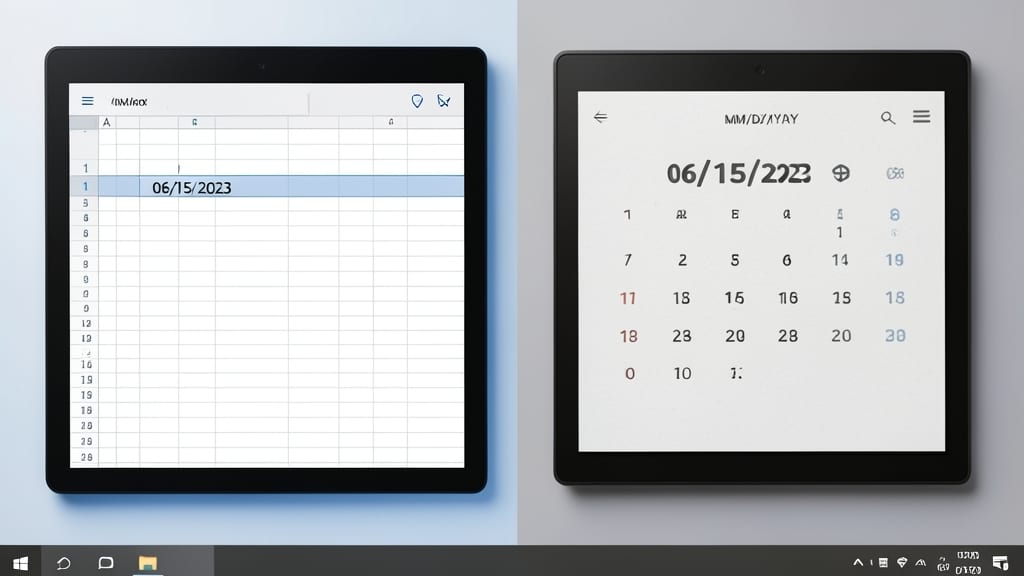
If you're working with Windows, Excel, or US-based software, you’ve likely encountered the MM/DD/YYYY format—like "06/15/2023"—as the default. This layout is deeply embedded in American applications but can cause confusion when shared globally.
The format prioritizes month-first notation, which aligns with tools like Microsoft Office, Outlook, and legacy databases. However, its ambiguity in international contexts (e.g., "06/15/2023" could be June 15th or 15th June) makes it risky for global systems. Always validate inputs when integrating with non-US software.
Best suited for US-centric workflows, this format shines in local business tools but demands extra caution in cross-border applications. 💻
European DD/MM/YYYY Date Format
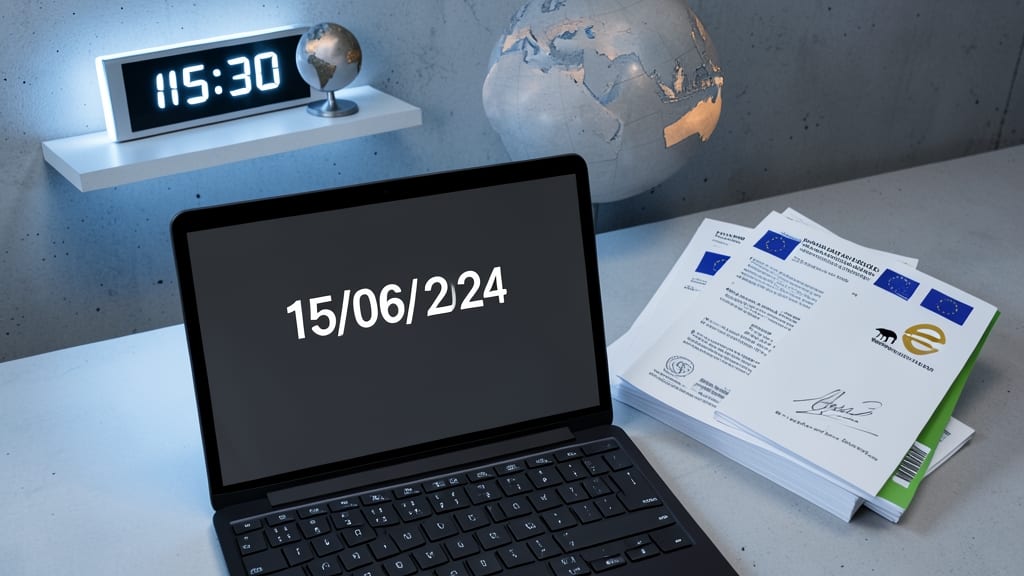
If you’re developing software for Europe, Australia, or financial systems, the DD/MM/YYYY format isn’t just a preference—it’s a necessity. Unlike the US format, this structure places the day first, aligning with international standards in healthcare records, banking transactions, and government databases.
This format avoids ambiguity by clearly separating the day from the month (e.g., 05/06/2023 is June 5th, not May 6th). It’s natively supported in Windows regional settings for European locales, SAP systems, and healthcare software like Epic, where misinterpretation could lead to critical errors. Libraries like Python’s datetime.strptime() handle parsing with the %d/%m/%Y directive.
Developers targeting these markets should hardcode this format in APIs and databases to prevent locale-based parsing failures. For global apps, pair it with ISO 8601 for internal processing while displaying DD/MM/YYYY to users in supported regions. ✨
24-Hour Military Time Format

When precision matters more than convenience, the 24-hour military time format (e.g., 14:30) becomes the go-to choice. Unlike AM/PM systems, it eliminates ambiguity entirely—critical for industries where even a second counts, like aviation, military operations, and hospital patient logs.
This format uses a HH:MM structure (or HH:MM:SS for seconds), where 00:00 marks midnight and 23:59 signals just before the next day. It’s natively supported in most programming languages (Python’s datetime.strftime('%H:%M'), JavaScript’s toLocaleTimeString({ hour12: false })) and integrates seamlessly with log files, flight manifests, and medical records where clarity trumps readability.
Perfect for developers building time-sensitive applications, healthcare professionals managing patient schedules, or pilots coordinating global flights—anyone who needs zero room for error. ⚡
SQL Date-Time Functions Format
When your database queries need to juggle dates and times across different applications, SQL date-time functions become your secret weapon. Unlike static formats, these functions let you dynamically convert between layouts—like turning a Unix timestamp into a readable YYYY-MM-DD string or parsing a messy user input into a structured date.
In SQL Server, CONVERT() or FORMAT() handles transformations, while MySQL relies on STRTODATE() and DATEFORMAT(). Oracle offers TOCHAR() and TO_DATE() for similar flexibility. These functions don’t just reformat—they validate and standardize data on the fly, reducing errors in reports, logs, or APIs.
Database administrators and developers will love this format for its zero-config adaptability, especially when integrating legacy systems or internationalized apps. ⚡
JSON Date-Time Format
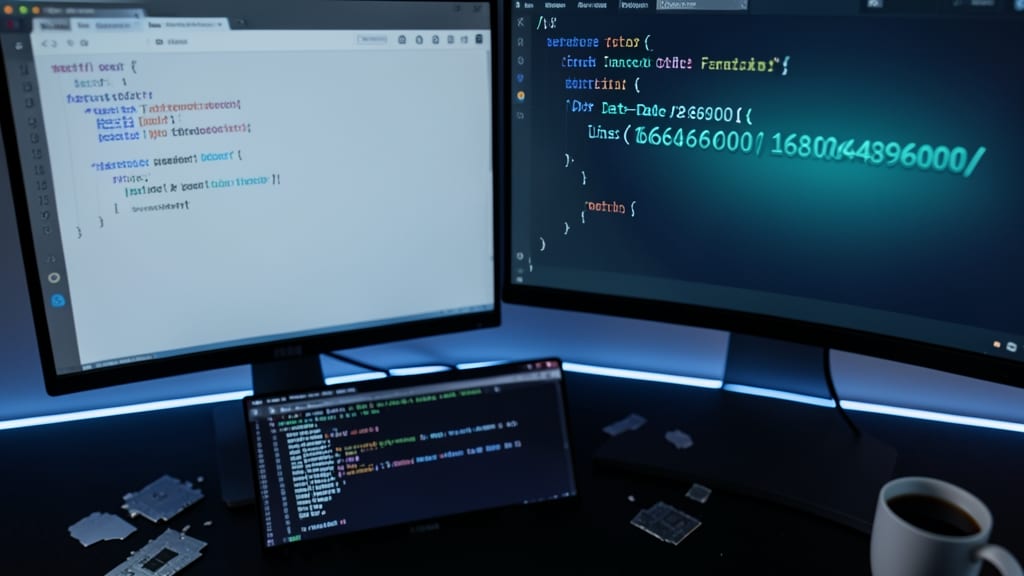
When building APIs or web services in JavaScript, you need a date-time format that’s both compact and universally understood. The JSON Date-Time Format (e.g., /Date(1686064896000)/) solves this by wrapping Unix timestamps in a string, ensuring consistency across Node.js, RESTful APIs, and frontend frameworks.
This format uses a millisecond-precision timestamp (e.g., 1686064896000 for June 7, 2023) enclosed in /Date() delimiters. It’s natively supported by Microsoft’s ASP.NET and widely adopted in JavaScript libraries like Moment.js and Date-fns, making it ideal for cross-platform data exchange. The extra /Date() wrapper helps distinguish it from plain Unix timestamps in JSON payloads.
Developers working with JavaScript-heavy stacks or legacy .NET APIs will find this format indispensable for maintaining backward compatibility while keeping payloads clean and efficient. ✨
Excel Custom Date Formats
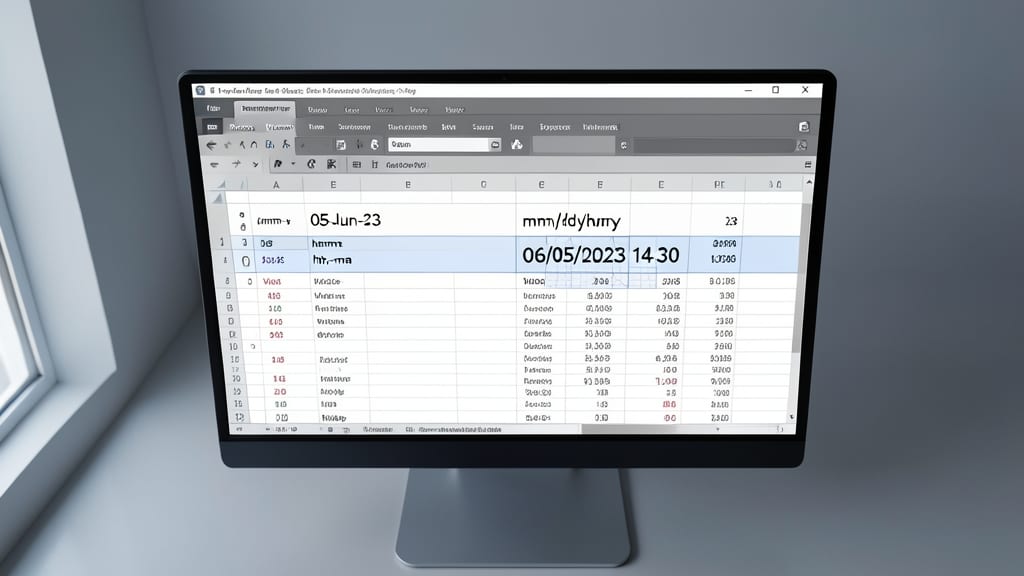
Tired of generic date displays ruining your polished reports? Excel’s custom date formats let you control everything from invoice due dates to project timelines with precision—no coding required.
With over 40 predefined templates (like 'dd-mmm-yy' for "05-Jun-23" or 'mm/dd/yyyy hh:mm' for timestamps), you can match any business need. The Format Cells dialog even lets you add custom separators or abbreviations—ideal for client-facing documents where clarity matters most.
Perfect for accountants, project managers, or anyone who needs to present dates in a specific way—without losing the underlying data. ✨
Natural Language Date Parsing

Tired of forcing users to type "2023-12-25" when they just want to say "Christmas Eve"? Natural language date parsing bridges that gap by letting people input dates conversationally—like "next Monday at 3 PM" or "the day after Thanksgiving." This format isn’t a rigid structure but a flexible NLP-powered approach, making it ideal for chatbots, voice assistants (e.g., Siri, Alexa), and customer support tools.
Under the hood, libraries like Python’s dateutil or JavaScript’s date-fns handle the heavy lifting, parsing phrases into structured timestamps. For example, dateutil.parser.parse("next Friday") converts "next Friday" to a Unix timestamp automatically. While it’s less precise than ISO 8601, it excels in user-friendly interfaces where ambiguity is rare (e.g., "tomorrow" vs. "2023-12-31"). The trade-off? You’ll need robust error handling for edge cases like "the day before the day after tomorrow."
Perfect for developers building conversational interfaces or voice-enabled apps, this format prioritizes accessibility over strict standardization. Just be sure to validate outputs with a fallback to ISO 8601 for critical systems. ✨