
Tip & Trick
Remote work offers flexibility but exposes you to cyber threats like phishing, malware, and data breaches. These 10 security best practices—backed by IT experts—will help you create an impenetrable digital defense without sacrificing productivity.
Zero-Trust Network Access for Remote Devices
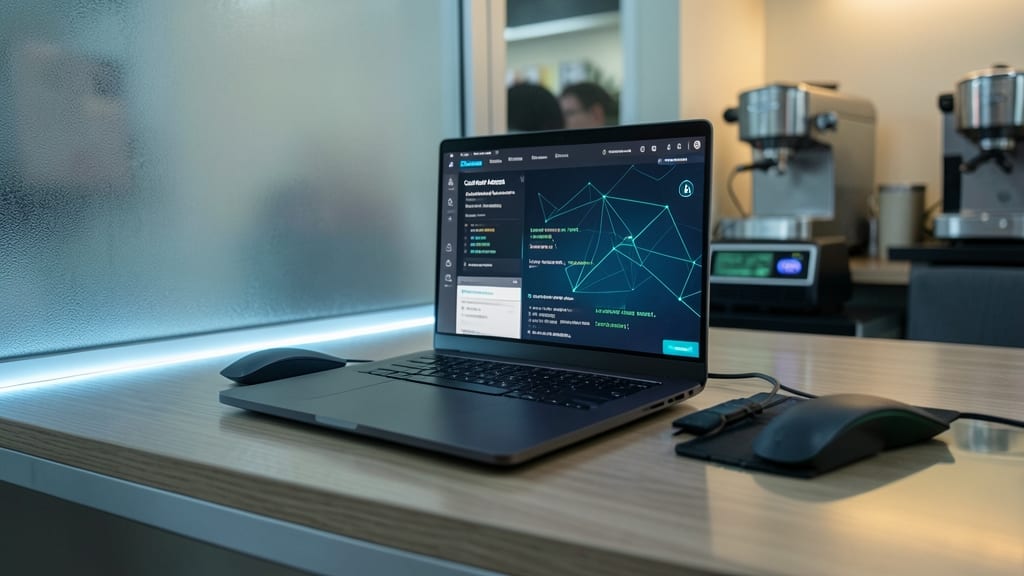
Tired of VPNs that only encrypt your connection but leave your device wide open? Zero-trust network access flips the script by treating every login—whether from your laptop or a coffee shop—like a potential breach until proven otherwise.
Platforms like Cloudflare Access or Zscaler Private Access require device posture checks (updated OS, antivirus, and encryption) before granting access. Unlike VPNs, which assume trust once connected, zero-trust verifies every session and limits lateral movement—stopping attackers even if they bypass initial defenses. For remote workers, this means no more assuming your home network is safe—just seamless, secure access.
Ideal for teams handling sensitive data, zero-trust is the gold standard for financial, healthcare, or legal professionals. 💻
Multi-Factor Authentication for All Accounts

Credential stuffing attacks exploit weak passwords—but 90% of breaches start with stolen passwords, and MFA alone won’t stop them if you’ve only enabled it for email. The fix? Extend MFA to every account, including cloud storage, banking, and even smart home devices.
Start with authenticator apps (like Google Authenticator or Authy) for TOTP-based codes, then layer on biometric verification (fingerprint or Face ID) for devices. For smart home gadgets, use YubiKey or hardware tokens to block brute-force attacks. Most services now support MFA—Dropbox, Slack, and even Amazon Alexa—so there’s no excuse to leave accounts vulnerable.
This is non-negotiable for freelancers, developers, and remote teams handling sensitive data. A single compromised password can unlock your entire digital life—so enable MFA everywhere today. 💻
Endpoint Detection and Response Software
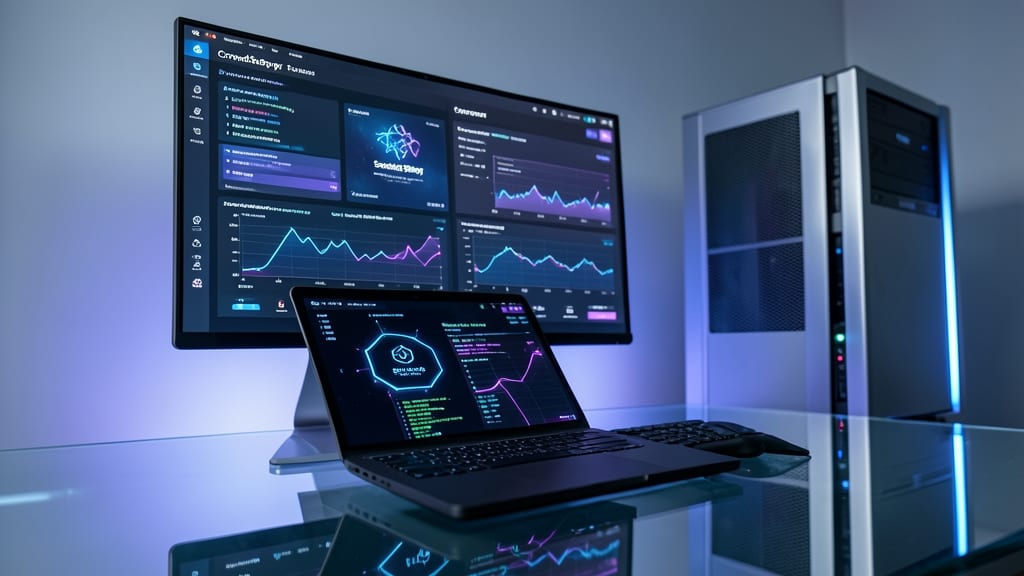
Traditional antivirus tools often miss advanced threats like fileless malware or zero-day exploits—that’s where Endpoint Detection and Response (EDR) steps in. Solutions like CrowdStrike Falcon or SentinelOne Singularity monitor your system for suspicious behavior in real time, using AI-driven threat intelligence to stop attacks before they execute.
These tools offer behavioral analytics to detect anomalies (e.g., unexpected process injections or lateral movement), automated containment to isolate infected machines, and detailed forensic reports for post-incident analysis. For dual-boot Windows/Linux setups, EDR ensures no OS is left vulnerable—critical when traditional antivirus may struggle with cross-platform threats.
Perfect for remote workers handling sensitive data, EDR acts as your cybersecurity force multiplier, reducing dwell time (the time attackers spend undetected) by 90% or more. 💪
Secure Password Manager with Biometrics
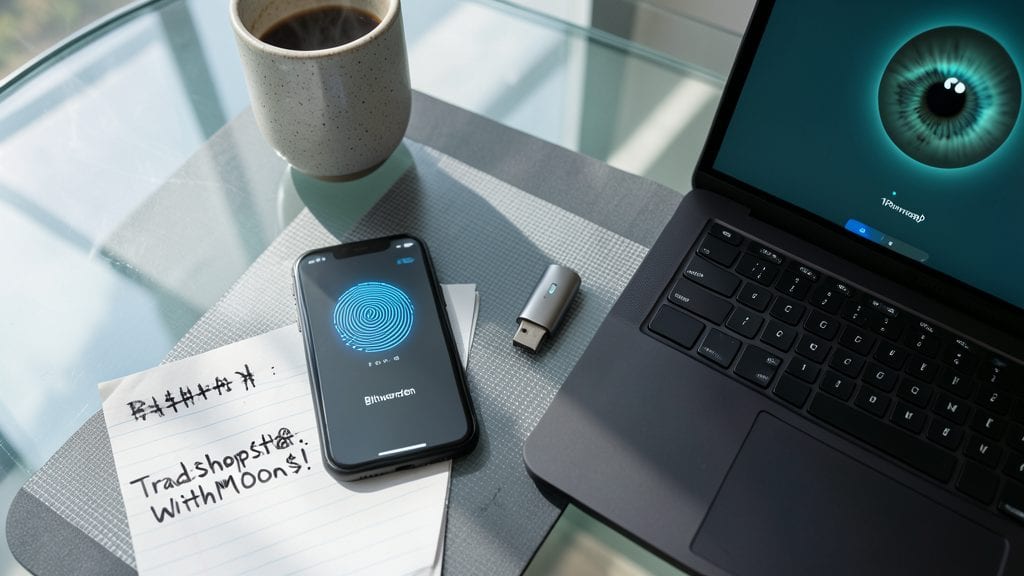
Tired of remembering passwords—or worse, reusing the same weak one across accounts? Bitwarden and 1Password eliminate this risk with biometric unlocks (fingerprint or Face ID) and 20-character passphrase generation, making brute-force attacks nearly impossible.
Both tools sync across devices with AES-256 encryption, ensuring your credentials stay secure even if your device is lost. The real game-changer? Zero-configuration sharing—send encrypted passwords to colleagues without exposing them in plaintext. Bitwarden’s open-source model adds transparency, while 1Password’s Travel Mode hides sensitive data during border crossings.
Perfect for freelancers, remote teams, or anyone juggling 50+ accounts—these managers cut password fatigue while hardening your security posture. ✨
Encrypted Communication Tools for Sensitive Data
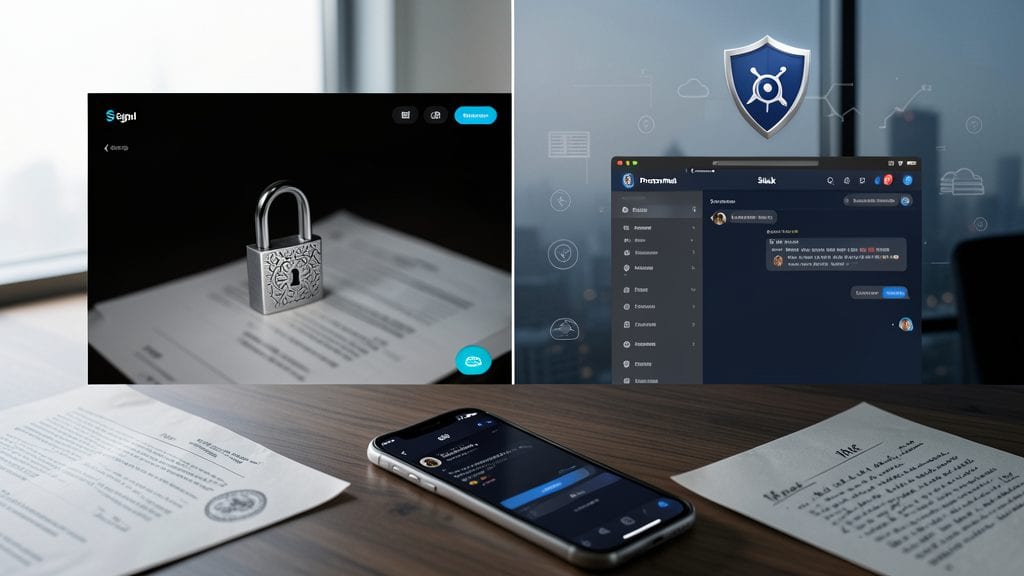
Tired of trusting enterprise chat apps to keep client contracts or HR discussions private? Signal and ProtonMail offer military-grade encryption that even NSA-level surveillance can’t crack—unlike Slack or Teams, which store messages on servers you don’t control.
Signal provides end-to-end encrypted voice, video, and text chats with zero metadata retention, while ProtonMail’s Swiss-based servers ensure emails stay private even if subpoenaed. Both support self-destructing messages and password-protected attachments, perfect for sharing sensitive files without fear of leaks. The apps are also open-source, so security experts can audit the code.
This is your go-to for legal teams, HR professionals, or freelancers handling confidential client work. No IT degree required—just download, verify the blue checkmark (Signal) or padlock icon (ProtonMail), and start chatting securely. ✨
Regular OS Patch Management Automation
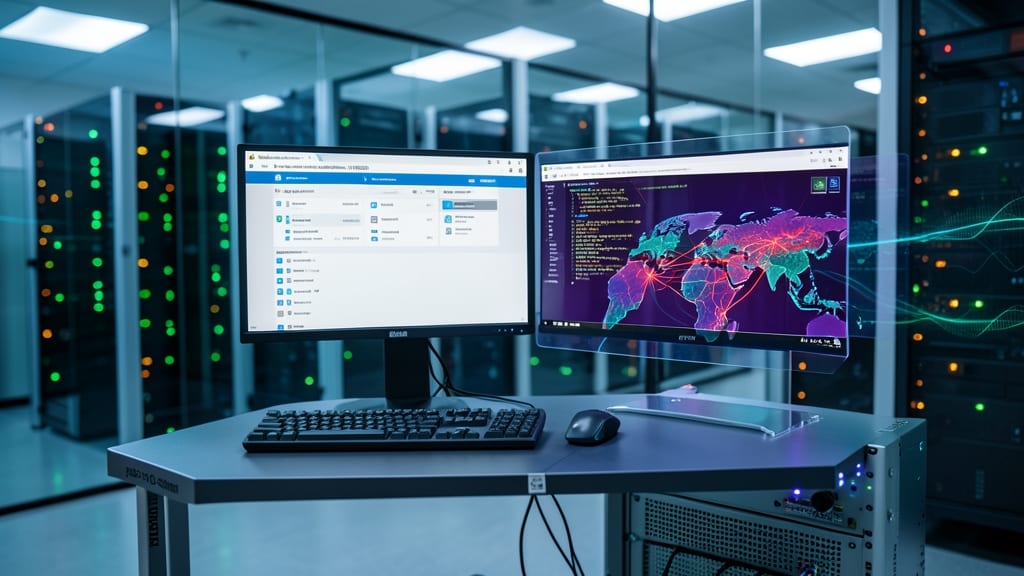
Exploit kits like Emotet thrive on unpatched systems—automating OS updates shuts them down before they strike. Windows Server Update Services (WSUS) and Ubuntu Advantage let you deploy critical patches across fleets instantly, reducing your attack surface by up to 80% against known vulnerabilities.
WSUS gives you granular control over Windows updates, including deferral schedules and approval workflows, while Ubuntu Advantage extends ESM (Extended Security Maintenance) for 5+ years beyond standard support. Both integrate with SIEM tools like Splunk or Microsoft Defender for automated compliance reporting. The key? Zero-day protection isn’t about waiting—it’s about closing gaps before attackers even know they exist.
This is non-negotiable for IT admins managing remote teams, but even solo workers can leverage Windows Update for Business or Unattended Upgrades on Linux to stay ahead. Set it up once, and let automation handle the rest. ✨
Physical Device Security for Laptops and Phones

Your laptop or phone could be the weakest link in your security chain—especially when working remotely. With 113 devices lost daily by remote workers, physical theft often goes overlooked, yet it’s the first step for attackers to access unencrypted data.
A cable lock (like the Kensington VeriMark) secures your device to a desk, while privacy screens (such as 3M Privacy Filters) block shoulder-surfing in cafes. For high-risk situations, GPS-tracked cases (e.g., Tile Pro) help recover stolen devices in real time, even if they’re powered off.
This layer of defense is non-negotiable for freelancers, contractors, or anyone handling sensitive data—because digital security starts with protecting the physical device itself. 💪
Secure Cloud Storage with Access Controls
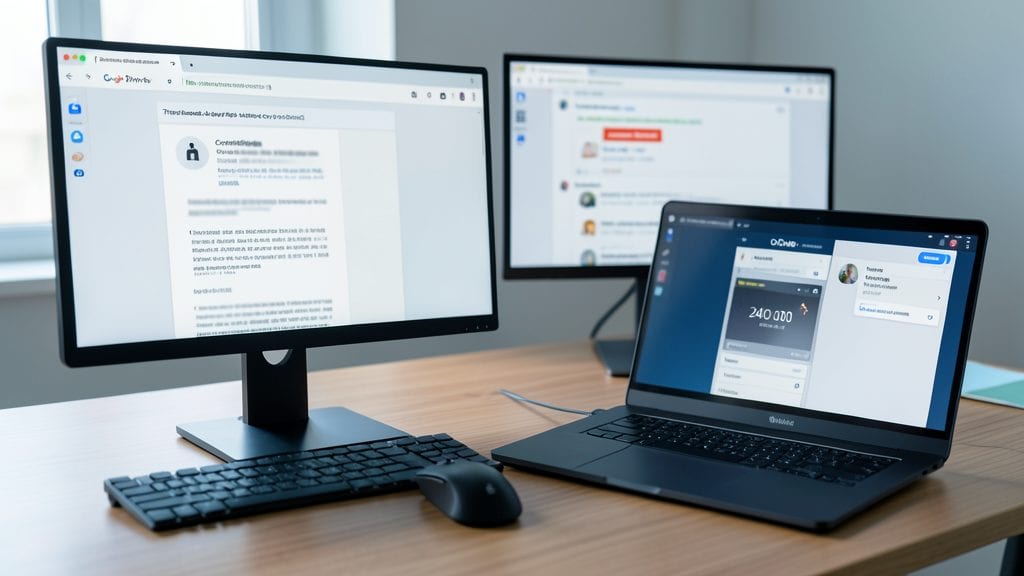
Accidental data leaks happen—especially when sharing sensitive documents with clients or teammates. Google Drive and OneDrive let you lock down files with time-limited access (e.g., 24-hour view-only links) and granular permissions, so even if a link gets forwarded, the damage is contained.
Set "view-only" permissions by default and use the "expire access" option (available in both platforms) to auto-revoke sharing after a set date. For extra security, enable Google Vault or Microsoft Purview to audit and revoke access remotely. These controls turn cloud storage from a risk into a fortress for collaborative work.
Teams handling contracts, HR files, or financial data will benefit most—this is the difference between a shared folder and a secure, audit-ready workspace. ✨
Phishing Simulation Training for Your Team
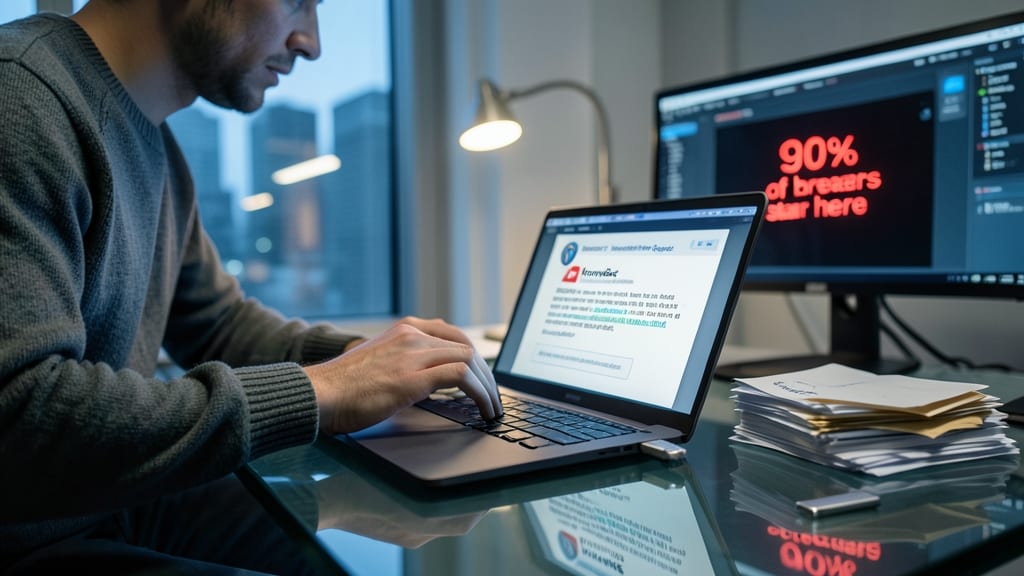
Your team’s biggest security weak spot might be the one they can’t see: human error. A single clicked phishing link can unlock an entire network, yet 90% of breaches begin with a compromised email. The solution? Monthly phishing simulations—tools like KnowBe4 or PhishMe send realistic fake attacks to train employees, slashing click rates by 70%.
These platforms create customizable, scenario-based tests (e.g., fake invoice scams or urgent "password expiration" emails) and track progress over time. KnowBe4’s "PhishER" even includes AI-driven follow-ups to reinforce lessons, while PhishMe’s "Cognitive Security" adapts to individual user behavior. Both integrate with your existing email systems for seamless deployment.
Perfect for SMBs to enterprises, these tools turn passive training into an interactive game—reducing liability while building a security-first culture. Start with a pilot program to prove ROI before scaling. ✨
Network Segmentation for IoT Devices
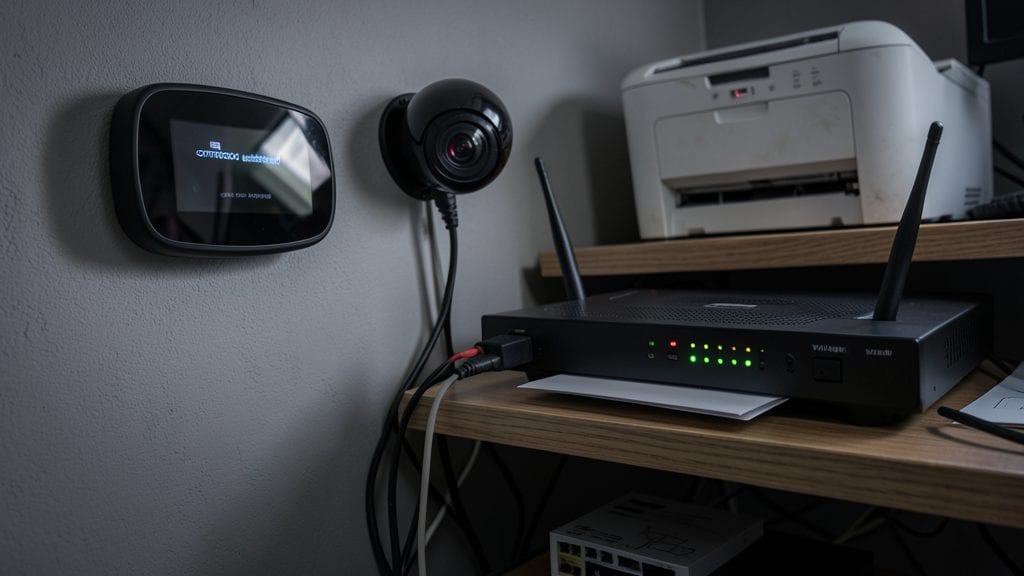
Your smart thermostat, security cameras, and printer might seem harmless—but they’re often the weak link in your home network. A single compromised IoT device can become a launchpad for Mirai-style botnet attacks, turning your work laptop into collateral damage overnight.
Most routers support VLAN segmentation, letting you isolate IoT devices on a separate network. This blocks lateral movement: even if your smart TV gets hijacked, your work files stay untouched. Tools like pFSense or your router’s built-in VLAN settings make setup straightforward, often with just a few clicks in the admin panel.
This is a game-changer for remote workers who blend home and work tech. Whether you’re handling client data or personal files, network segmentation acts as a digital firewall—keeping your critical devices safe from IoT-based threats. ✨