
Software
Microsoft Teams is constantly evolving, and its hidden menu features can transform how you manage tasks. From automated reminders to productivity shortcuts, these lesser-known tools help streamline workflows and boost efficiency—without requiring technical expertise.
Customizable Meeting Reminders with Due Dates
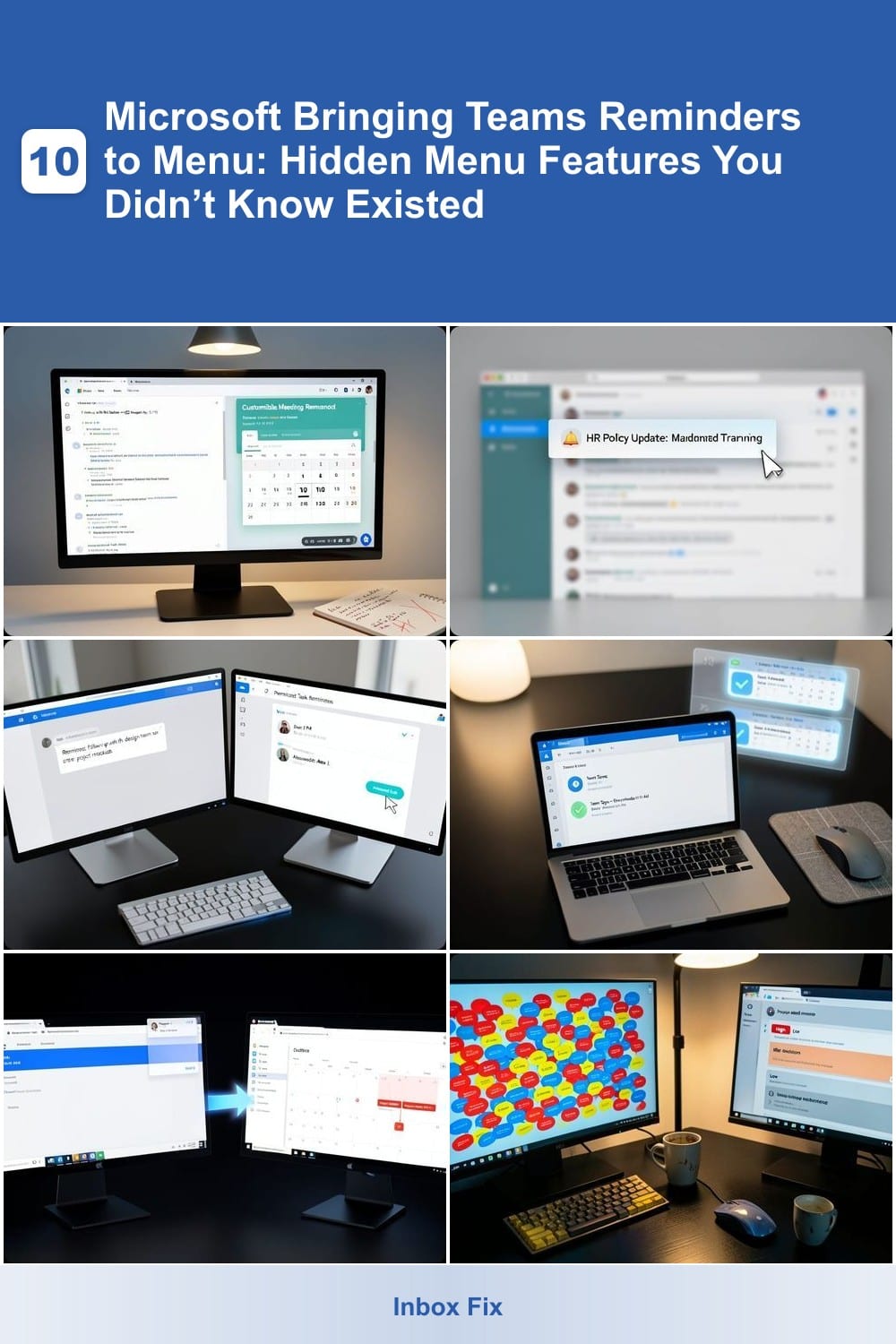
Struggling to keep track of action items after meetings? Microsoft Teams’ Customizable Meeting Reminders with Due Dates ties reminders directly to calendar events, ensuring follow-ups land in your inbox before the deadline—no more last-minute scrambles. Unlike generic notifications, these reminders let you attach specific tasks (e.g., "Draft Q3 report") to meetings, with customizable deadlines that sync to your calendar.
Create a reminder during or after a meeting by selecting the "Add Reminder" option in the calendar event. Set a due date (e.g., 3 days post-meeting) and assign it to yourself or a teammate. Teams will then send time-sensitive alerts—via email, desktop notifications, or mobile push—with clear context about the task’s origin. The feature also integrates with Planner and To Do, so deadlines appear in your task lists without manual entry.
Perfect for project managers or team leads coordinating client deliverables, this tool eliminates the "I thought you were handling this" game by making accountability built-in. No more buried emails or forgotten promises—just automated, deadline-driven follow-ups. ✨
Channel-Specific Announcement Reminders
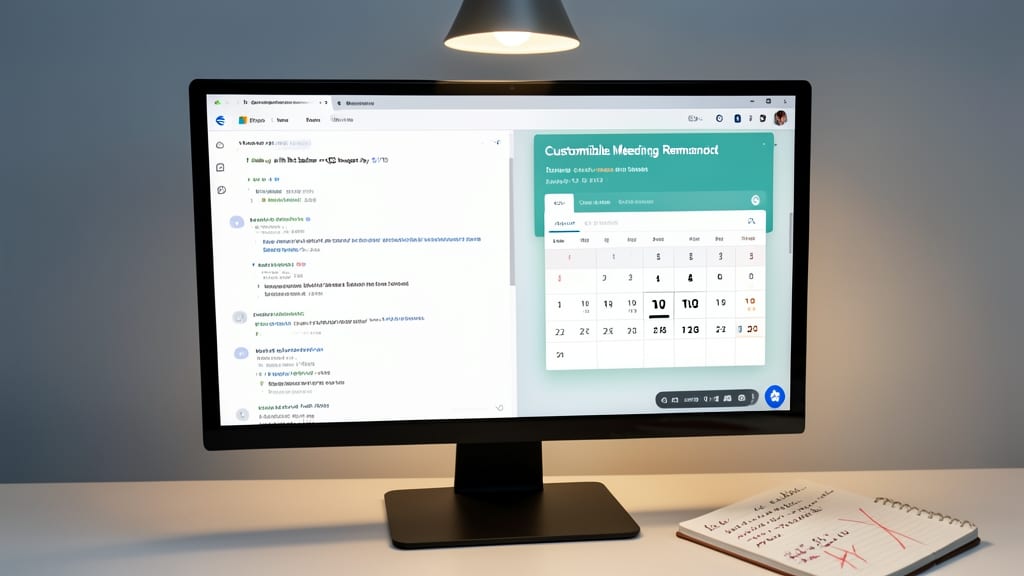
Ever struggled to keep critical announcements visible in a sea of channel chatter? Microsoft Teams’ Channel-Specific Announcement Reminders solves this by pinning persistent notifications directly to team channels—no more scrolling past important updates. Whether it’s an HR policy change, security alert, or company-wide announcement, these reminders stay visible at the top of the channel feed until dismissed, ensuring no one misses what matters.
To set one up, simply create a new reminder in the channel’s three-dot menu and select "Pin to Channel". The notification will appear as a sticky banner with a bell icon, drawing attention without overwhelming the conversation. You can customize the message, add deadlines, and even tag specific team members for accountability. Best of all, these reminders sync across devices, so your team stays informed whether they’re at their desks or on the go.
This feature is a lifesaver for HR teams, IT admins, or company leaders who need to broadcast urgent updates without relying on repetitive posts. No more buried messages—just visible, actionable reminders that keep everyone aligned. 💡
Personalized Task Reminders with Assignees
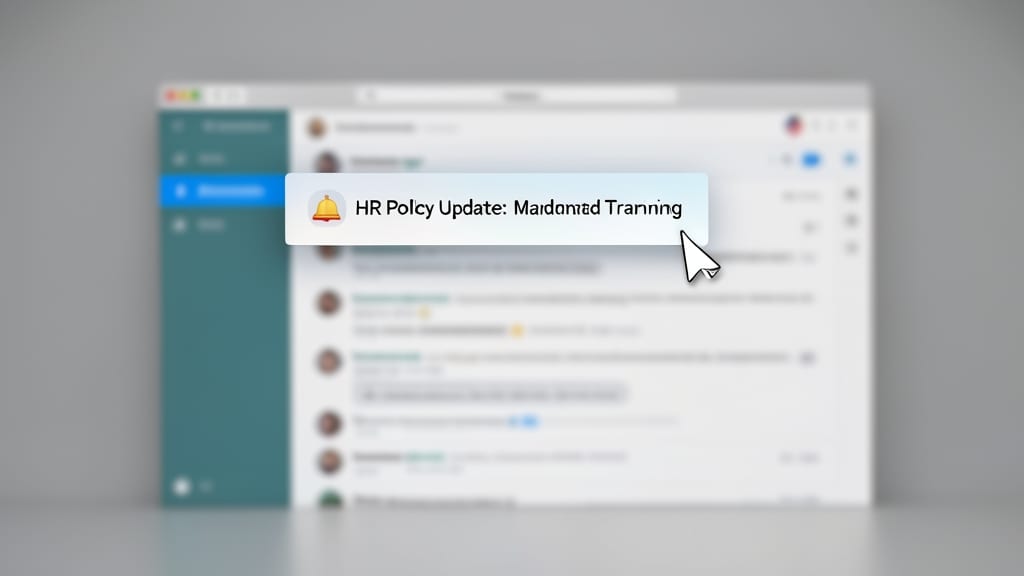
Tired of chasing down team members for follow-ups? Microsoft Teams’ Personalized Task Reminders with Assignees lets you assign tasks directly to colleagues—complete with deadlines—so nothing slips through the cracks. Unlike generic reminders, this feature turns Slack-style messages into actionable to-dos with clear ownership.
Simply @mention a teammate when creating a reminder, set a due date, and watch notifications pop up in their activity feed. The system tracks completion status, so you can monitor progress without endless follow-up chats. Best of all, it integrates seamlessly with existing Teams workflows, requiring zero extra tools to manage tasks.
Perfect for project leads, HR teams, or anyone juggling cross-functional tasks—this feature eliminates the "I thought you were handling this?" game. 💪
Recurring Event Reminders for Regular Meetings
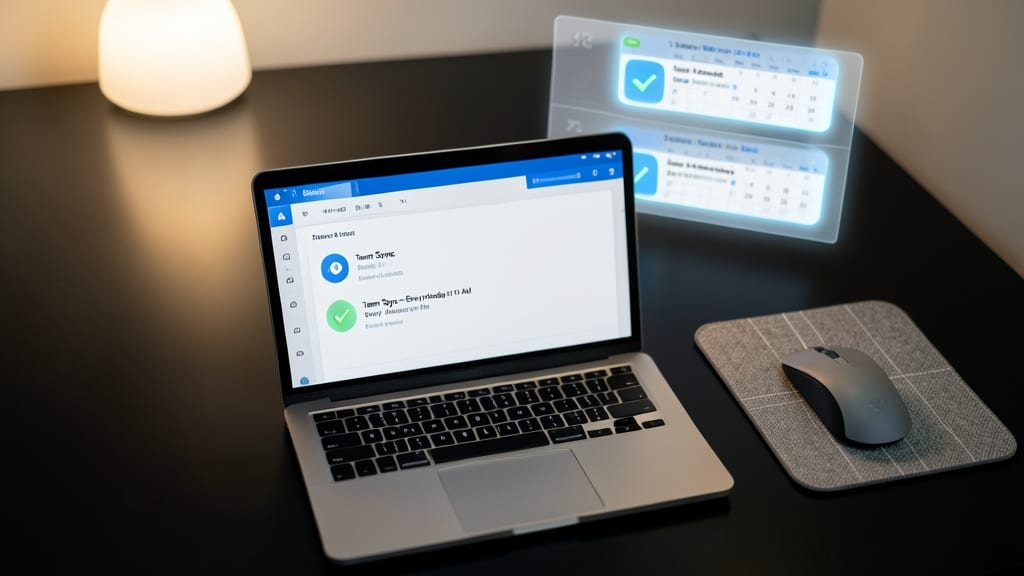
Tired of manually setting reminders for the same meetings every week? Microsoft Teams now lets you automate recurring event reminders with just a few clicks—no more repetitive setup for standing meetings, client check-ins, or team syncs.
Simply create a reminder tied to a recurring calendar event (daily, weekly, or monthly), and Teams handles the rest. You can customize notification timing—10 minutes before, 1 hour before, or even the night before—and add notes or action items directly in the reminder. The system syncs seamlessly with your existing calendar, so no double-booking or missed prep time.
This feature is a game-changer for remote teams or freelancers managing client calls, as it eliminates the risk of forgetting to prep for a recurring discussion. Set it once, and let Teams handle the rest—freeing up mental space for what truly matters. ✨
Integration with Outlook for Cross-Platform Reminders
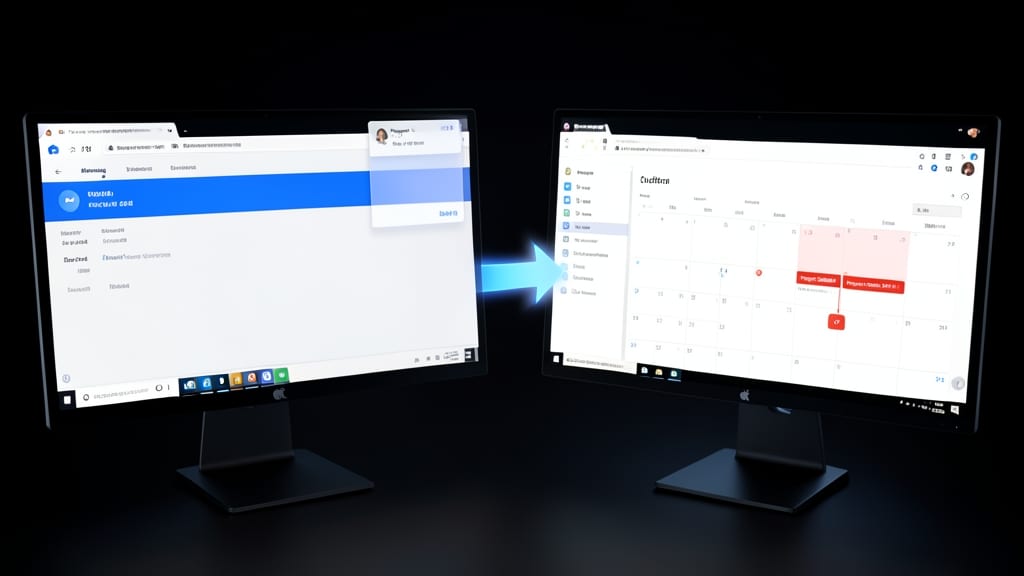
Tired of toggling between Teams and Outlook just to check your reminders? Microsoft’s new cross-platform sync bridges the gap—automatically mirroring Teams reminders to your Outlook calendar and inbox, so nothing slips through the cracks.
With this integration, you’ll see real-time updates in both apps, including deadlines, assignees, and priority flags. The setup is zero-config: no manual imports or third-party tools required. Whether it’s a client follow-up in Teams or a personal task in Outlook, both platforms stay in sync effortlessly.
This feature is a game-changer for professionals who rely on Outlook for personal schedules but use Teams for work tasks. No more double-checking—just seamless, unified reminders across your entire workflow. ✨
Priority-Based Reminder Notifications
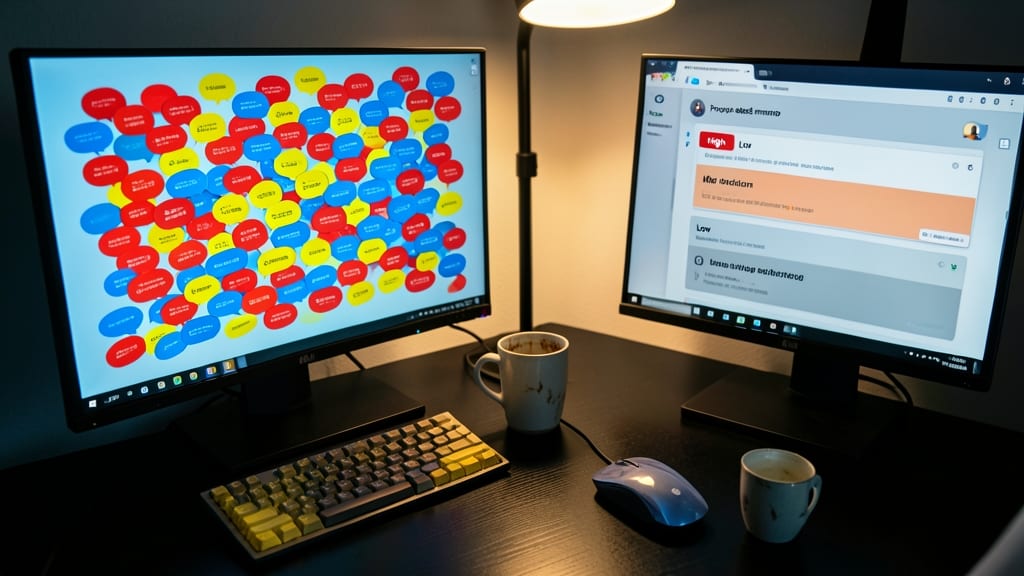
Tired of drowning in a sea of notifications where every alert feels equally urgent? Teams’ priority-based reminders let you categorize tasks as high, medium, or low—so critical deadlines stand out while low-priority updates fade into the background. This feature is a game-changer for teams juggling client deadlines, internal projects, and routine updates without losing focus on what truly matters.
When setting a reminder, simply select the priority level during creation, and Teams will automatically adjust notification prominence. High-priority reminders appear as bold, persistent alerts with sound, while low-priority ones blend into a digestible list. You can even filter your notification center to view only high-priority items, cutting through the noise for laser-focused productivity.
This is especially useful for project managers, customer support teams, or anyone managing cross-functional workflows. Say goodbye to missed deadlines buried under less critical alerts—prioritization ensures you tackle what matters first. 💡
Mobile App Reminders with Push Alerts
Forget checking your desktop every five minutes—Teams’ mobile push alerts bring reminders straight to your pocket. Whether you're on a train, in a client meeting, or working from a café, these real-time notifications ensure no task slips through the cracks, even when you’re offline.
Set up reminders via the Teams mobile app (iOS/Android) and receive instant alerts with vibration and sound cues. Customize notification tones, and leverage rich previews that show deadlines, assignees, and priority levels at a glance. The app syncs seamlessly with your desktop reminders, so you’re never out of the loop.
Perfect for remote workers and travelers, this feature turns your phone into a productivity powerhouse—no laptop required. ⚡